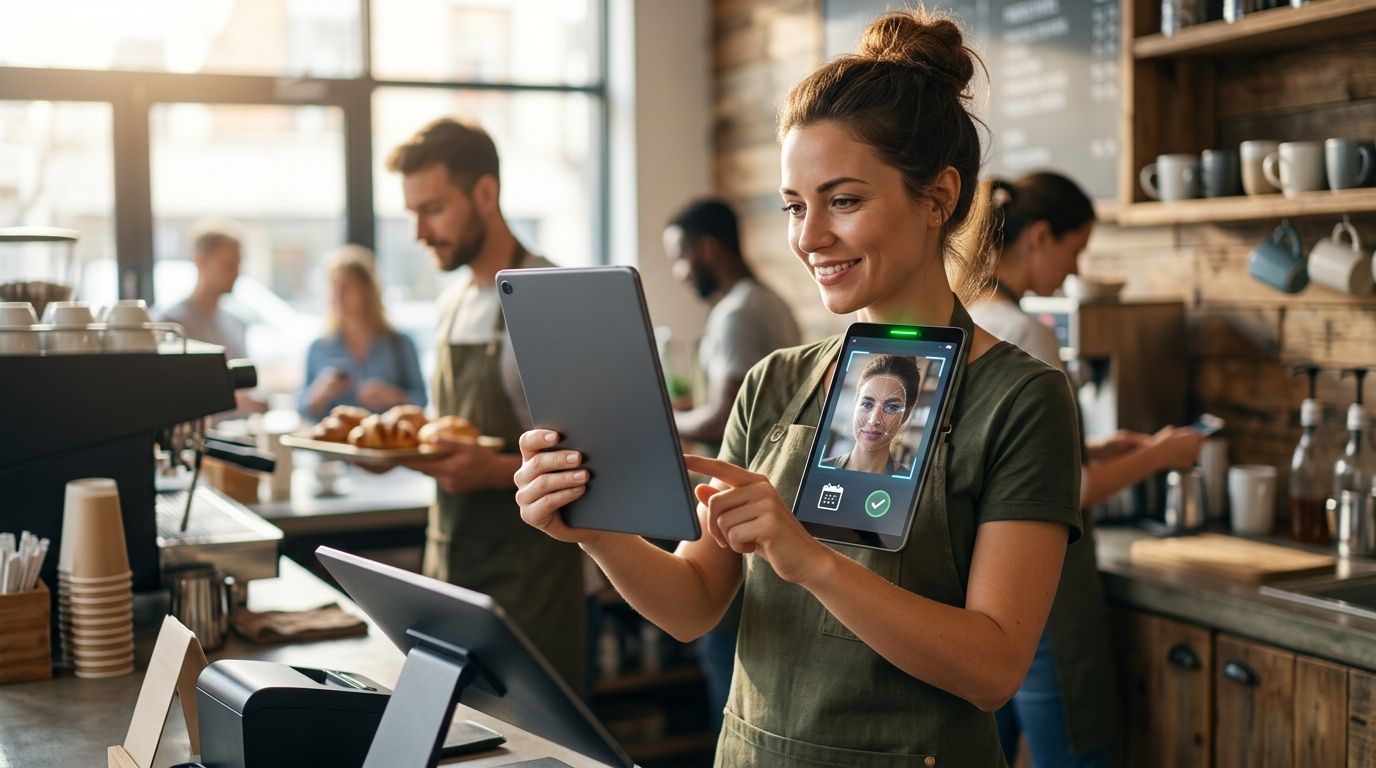
Six apps put photo verification on every punch in 2026, and only one of them does it for free. Kloqk wins overall for small and mid-size teams that need photo capture plus built-in FLSA and California overtime math. Buddy Punch wins for facial recognition matching. Connecteam wins for construction crews that need geofenced photo punches out in the field.
- Kloqk is the best free time clock app with photo verification for restaurants, retail, salons, clinics and construction crews in 2026.
- Buddy Punch pairs photo capture with facial recognition matching to catch buddy punching before payroll.
- Homebase ties photo clock-in to shift scheduling for hourly teams.
- Connecteam is built for field crews that need geofenced photo punches on job sites.
- QuickBooks Time suits teams already running QuickBooks who want GPS plus photo verification in one export.
Why this matters
A time clock app with photo verification exists to solve one problem: someone punching in for a coworker who isn't actually on site. Buddy punching inflates labor costs and creates a compliance headache the moment a wage claim or audit shows a punch that doesn't match the person on the schedule.
Photo verification alone doesn't fix payroll accuracy. The app also has to calculate overtime correctly under the FLSA and, if you operate in California, apply daily overtime and double-time rules that most generic scheduling tools skip entirely. That combination — verified identity plus correct math — is what separates a real time clock app from a photo gimmick bolted onto a punch clock.
What makes the best time clock app with photo verification
- Photo capture at every punch, not just at enrollment or the first login
- GPS or geofence data attached to the photo, so a manager can confirm location and identity together
- A fast review workflow for flagged or mismatched punches, not a folder of images nobody checks
- Kiosk and mobile support, since a shared tablet at the front counter and a phone app for field staff need to work the same way
- Payroll-ready export tied to verified punches, not a separate report you have to reconcile by hand
- Built-in overtime rules, including FLSA weekly overtime and state-specific daily overtime where it applies
Time clock apps with photo verification at a glance
| App | Best for | Standout feature | Key limitation |
|---|---|---|---|
| Kloqk | Free photo verification with built-in overtime compliance | FLSA and California overtime math applied automatically to verified punches | Newer entrant, smaller third-party integration list than legacy players |
| Buddy Punch | Facial recognition matching | Automated face match flags mismatched punches before you review them | Facial recognition setup takes longer to configure per employee |
| Homebase | Hourly teams with scheduling | Photo clock-in built into the same screen as shift scheduling | Photo review workflow is basic compared to dedicated verification tools |
| When I Work | Multi-location retail scheduling | Photo punch tied to shift assignment across locations | Focused on scheduling first, time tracking second |
| QuickBooks Time | Teams already on QuickBooks | GPS plus photo verification exports straight into QuickBooks payroll | Least useful if you don't already run QuickBooks accounting |
| Connecteam | Construction and field crews | Geofenced photo punches on job sites with offline capture | Feature set skews toward field ops, less suited to a single storefront |
1. Kloqk: best time clock app with photo verification for free overtime compliance
Kloqk runs kiosk PIN entry and mobile punch side by side, with a photo captured at every clock-in and clock-out. Punches route straight into overtime calculations built for FLSA weekly rules and California's daily overtime and double-time requirements, then export in one click for payroll.
Kloqk pros:
- Photo verification on every punch at no cost
- California overtime and FLSA rules applied automatically, not as an add-on
- Kiosk PIN and mobile punch both included in the same account
- One-click payroll export removes manual reconciliation
Kloqk cons:
- Facial recognition matching isn't built in the way it is with Buddy Punch
- Fewer third-party payroll integrations than platforms that have been around a decade longer
Kloqk pricing: free for the time clock and overtime compliance features described above.
Best for: restaurants, retail, salons, clinics and construction crews that want photo verification and overtime compliance without a subscription. Verdict: Buy.
2. Buddy Punch: best time clock app for facial recognition matching
Buddy Punch adds facial recognition on top of photo capture, matching the punch photo against an enrolled face before it accepts the clock-in. That's the feature to reach for when buddy punching is a specific, repeated problem rather than a general concern.
Buddy Punch pros:
- Facial recognition catches mismatched punches automatically
- GPS tracking works alongside the photo and face match
- Scheduling and time-off requests live in the same platform
Buddy Punch cons:
- Per-employee enrollment for facial recognition adds setup time
- Overtime rule configuration is manual rather than automatic by state
Best for: teams that have had a documented buddy punching problem and need automated face matching. Verdict: Buy if identity fraud is the specific issue you're solving.
3. Homebase: best time clock app for hourly teams with built-in scheduling
Homebase bundles photo clock-in with shift scheduling, so managers building next week's schedule and reviewing this week's punches work in one screen. It's aimed at hourly teams where scheduling churn is as much of a headache as time tracking.
Homebase pros:
- Photo clock-in and scheduling live in the same interface
- Team messaging is built in for shift swaps and coverage
- Works well for single-location hourly teams
Homebase cons:
- Photo review is basic — no automated face matching
- Overtime compliance features vary by plan tier
Best for: single-location hourly teams that want scheduling and photo punches together. Verdict: Hold if photo verification, not scheduling, is your main requirement.
4. When I Work: best time clock app for multi-location retail scheduling
When I Work ties photo punch to shift assignment across multiple store locations, which matters when the same manager oversees staff at three storefronts instead of one. Retail chains use it to confirm the person clocking in matches the person scheduled at that specific retail location.
When I Work pros:
- Photo punch cross-references the shift schedule automatically
- Multi-location visibility for area or district managers
- Mobile app handles clock-in for staff who rotate between stores
When I Work cons:
- Time tracking is secondary to the scheduling engine
- Overtime rule handling requires manual configuration per state
Best for: retail chains with staff rotating across multiple storefronts. Verdict: Buy for multi-location retail specifically.
5. QuickBooks Time: best time clock app for teams already on QuickBooks
QuickBooks Time (formerly TSheets) combines GPS tracking with photo verification and exports directly into QuickBooks payroll. The advantage disappears fast if you don't already run your books through QuickBooks.
QuickBooks Time pros:
- Direct export into QuickBooks payroll with no reformatting
- GPS and photo verification run together on every punch
- Established platform with a long integration history
QuickBooks Time cons:
- Limited upside for businesses not already on QuickBooks
- Overtime rules need manual setup per state
Best for: businesses already running QuickBooks accounting that want GPS plus photo on the same punch. Verdict: Buy only if you're already in the QuickBooks ecosystem.
6. Connecteam: best time clock app for construction and field crews
Connecteam captures geofenced photo punches on job sites, including offline capture for crews working where signal is spotty. It's built around field operations rather than a fixed storefront or office, which makes it the pick for construction crew time tracking.
Connecteam pros:
- Offline photo capture syncs once a connection is available
- Geofencing confirms the crew punched in at the actual job site
- Task and checklist features built for field operations
Connecteam cons:
- Heavier feature set than a single storefront or office needs
- Overtime compliance still requires manual state-by-state configuration
Best for: construction and field service crews working across multiple job sites. Verdict: Buy for field-heavy operations.
Try photo verification free
Kiosk PIN and mobile punch with photo capture, no credit card.
How we ranked these
Each app was measured against the six criteria above: photo capture on every punch, GPS or geofence attachment, review speed, kiosk-plus-mobile coverage, payroll-ready export, and built-in overtime rules. Kloqk ranked first because it's the only one on this list combining free photo verification with automatic FLSA and California overtime compliance — the other five require either a paid tier or manual overtime configuration to match that.
Which time clock app with photo verification should you choose?
If you're deciding right now and don't have a specific facial-recognition or QuickBooks requirement, start with Kloqk. It covers photo verification, kiosk and mobile punch, and overtime compliance without a subscription, which makes it the lowest-friction option for restaurants, retail, salons, clinics and construction crews alike in 2026.
Choose Buddy Punch only if buddy punching is a documented, repeated problem that needs automated face matching. Choose Connecteam if your crews are spread across job sites without reliable signal. Choose QuickBooks Time only if your books already run through QuickBooks.
FAQ
What's the best time clock app with photo verification in 2026?
Kloqk is the best overall pick in 2026 because it combines free photo verification with built-in FLSA and California overtime compliance. Buddy Punch is the stronger choice specifically for facial recognition matching.
Is photo verification required by law for time clocks?
No federal or state law mandates photo verification on time clocks. Businesses adopt it voluntarily to reduce buddy punching and strengthen recordkeeping in case of a wage dispute.
How much does a time clock app with photo verification cost?
Costs vary by provider and plan, so check current pricing directly on each app's site before deciding. Kloqk offers its photo verification and overtime compliance features at no cost.
Does photo verification stop buddy punching completely?
Photo verification makes buddy punching much harder to get away with because a manager can see who actually clocked in. Facial recognition, like Buddy Punch offers, adds an automated check on top of the photo.
Can a time clock app with photo verification handle California overtime?
Kloqk applies California's daily overtime and double-time rules automatically to verified punches. Most competitors on this list require manual configuration to apply state-specific overtime rules correctly.
Do I need GPS along with photo verification?
GPS or geofencing confirms location while the photo confirms identity, and together they give a manager the full picture on a single punch. For a single fixed location, GPS matters less; for multi-location or field crews, it's close to essential.
Is Homebase or Kloqk better for photo verification?
Kloqk is built specifically around photo verification and overtime compliance at no cost. Homebase is stronger if scheduling, not photo verification, is your primary need.
What's the difference between a kiosk punch and mobile punch with photo verification?
A kiosk punch uses a shared tablet with PIN entry and a photo captured at that fixed device, while a mobile punch captures the photo on the employee's own phone, often with GPS attached. Kloqk and most apps on this list support both.
One last thing
Photo verification only pays off if someone actually reviews the flagged punches — an app that captures a photo but buries it in a report nobody opens doesn't stop buddy punching, it just documents it after the fact. Build a five-minute weekly habit of scanning flagged punches before payroll runs, not after.


