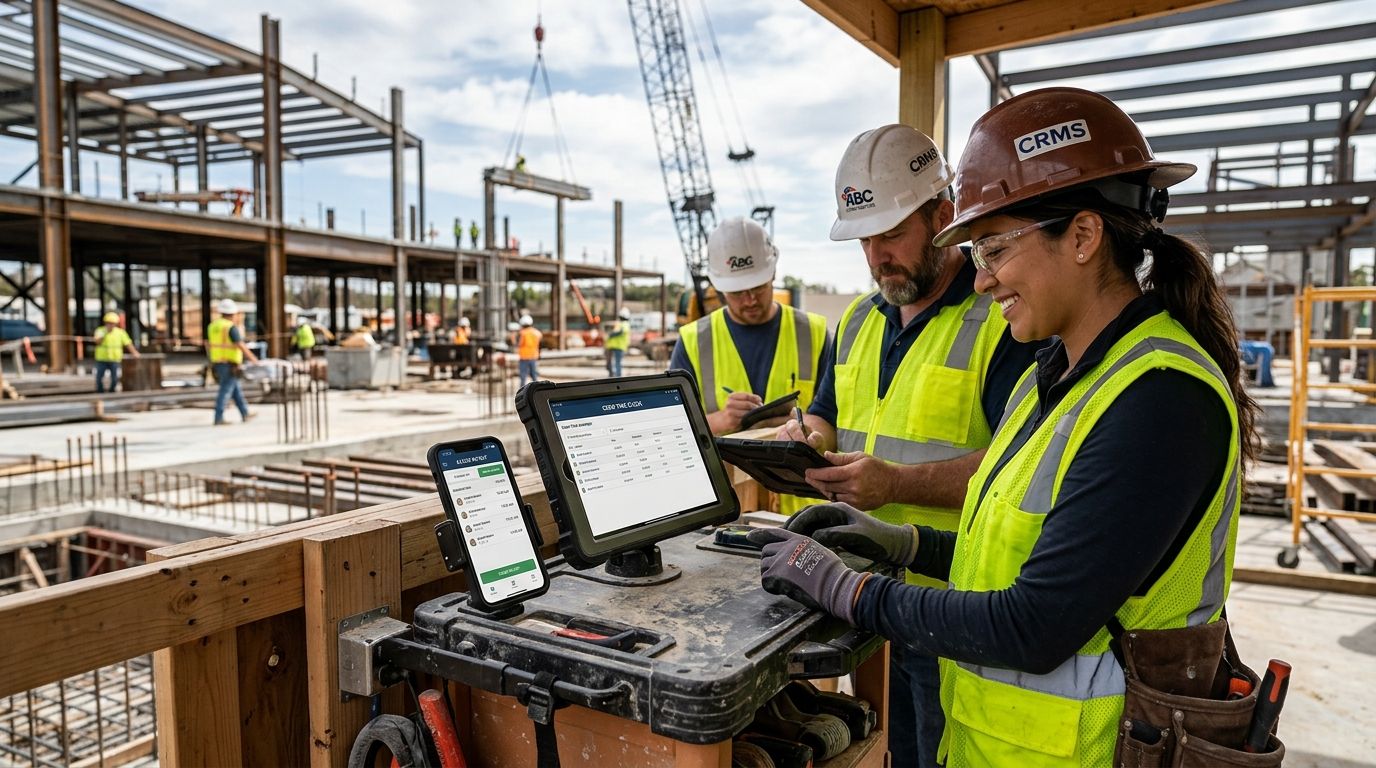
Construction crews lose hours every week to paper timesheets, buddy punching, and job-site confusion over who clocked in where. The right time clock software fixes that with mobile punch, GPS-tagged clock-ins, and payroll exports that don't require a spreadsheet marathon every Friday.
Best overall: Kloqk — free time clock software with photo verification and built-in FLSA/California overtime compliance. Best for GPS-heavy multi-site tracking: ExakTime. Best budget option: Kloqk, because it's free with no credit card required.
- Kloqk is the best time clock software for construction crews who want free kiosk PIN and mobile punch with FLSA/California overtime compliance built in.
- ExakTime and Busybusy lead on GPS geofencing and equipment tracking for crews spread across multiple job sites.
- Rippling suits construction firms that already run payroll and HR through one platform and want time tracking folded in.
- QuickBooks Time wins for contractors whose books already run on QuickBooks Online or Desktop.
- None of these tools fix a bad time-tracking policy on their own — the software has to match how your crews actually clock in.
Why this matters
Construction payroll gets messy fast: multiple job sites, crews that start before the office opens, and overtime rules that vary by state. California alone triggers overtime after 8 hours in a single day, not just 40 in a week — a rule paper timesheets routinely get wrong.
A time clock built for construction has to handle job-site punches, photo or GPS verification against buddy punching, and an export that lands cleanly in payroll. In 2026, most of the field has consolidated around a handful of tools that do this well, and the differences between them come down to what your crews need most: geofencing, equipment tracking, or a payroll system that's already running.
What makes the best time clock software for construction
- Mobile and kiosk punch options — crews clock in from a jobsite phone or a shared tablet at the trailer.
- Photo or GPS verification — stops buddy punching without adding a hardware badge system.
- Built-in overtime rules — federal FLSA and state-specific rules like California's daily overtime, calculated automatically.
- Job costing or job-site tagging — punches tied to a specific project so labor costs roll up correctly.
- Payroll-ready export — hours flow into payroll without manual re-entry.
- No per-seat cost that punishes growing crews — a real concern for contractors adding seasonal labor.
Construction time clock software at a glance
| Software | Best for | Standout feature | Key limitation |
|---|---|---|---|
| Kloqk | Free time tracking with compliance built in | FLSA/California overtime auto-calculated | No job costing or equipment tracking |
| ExakTime | GPS-heavy multi-site tracking | Geofenced clock-in for scattered job sites | Steeper setup for small crews |
| Busybusy | Equipment and job-cost tracking | Ties labor and equipment hours to a project | Less focused on HR/compliance workflows |
| ClockShark | Field service scheduling | Drag-and-drop crew scheduling | Fewer HR features beyond time and scheduling |
| Rippling | Full HR, payroll and time in one system | Single platform for HR, payroll, and time | Overkill for a crew that only needs punches |
| QuickBooks Time | QuickBooks-integrated payroll | Direct sync with QuickBooks Online/Desktop | Best value tied to already using QuickBooks |
1. Kloqk: best time clock software for construction crews on a budget
Kloqk gives construction crews kiosk PIN and mobile punch, photo verification, and automatic FLSA and California overtime compliance without a subscription fee. Crews clock in from a shared tablet at the trailer or from their own phone, and hours export in a payroll-ready format so office staff aren't re-keying data every pay period.
Kloqk pros:
- Free, no credit card required to start
- Photo verification cuts down buddy punching on job sites
- Overtime rules (federal and California) calculate automatically instead of by hand
- One-click payroll exports save the Friday scramble
Kloqk cons:
- No dedicated job costing or equipment-hours tracking
- No built-in GPS geofencing for crews spread across multiple sites
Kloqk pricing: free.
Best for: small to mid-size construction crews that need accurate hours and compliant overtime without paying for features they won't use.
2. ExakTime: best time clock software for GPS-tracked multi-site crews
ExakTime is built around GPS-verified clock-ins, letting a contractor confirm a crew member punched in at the actual job site rather than from home or a truck stop. It's a common pick for general contractors running several active sites at once.
ExakTime pros:
- GPS location stamped on every punch
- Handles multiple concurrent job sites well
- Mobile app built specifically for field crews
ExakTime cons:
- Setup takes longer than a simple kiosk-and-app tool
- Geofencing features add complexity a two- or three-person crew doesn't need
Best for: general contractors managing crews across several active job sites who need proof of location on every punch.
3. Busybusy: best for job costing and equipment tracking
Busybusy ties labor hours to specific projects and equipment, which matters for contractors who bid jobs on tight margins and need real labor-cost data per project. It's less of an HR platform and more of a field-operations tool with time tracking attached.
Busybusy pros:
- Strong job-cost reporting by project
- Tracks equipment usage alongside labor hours
- Photo and GPS verification on punches
Busybusy cons:
- Compliance features are lighter than dedicated HR platforms
- More setup required to configure projects and equipment correctly
Best for: contractors who bid by the job and need labor and equipment costs broken out per project.
4. ClockShark: best for field service scheduling
ClockShark leans into scheduling, letting a foreman drag and drop crew assignments alongside time tracking. Contractors running several small crews across different jobs in the same week tend to gravitate here.
ClockShark pros:
- Scheduling and time tracking in one screen
- Job-site GPS tracking on punches
- Mobile app built for field crews
ClockShark cons:
- Fewer HR and compliance tools than platforms built around payroll
- Reporting depth trails job-costing-first tools like Busybusy
Best for: contractors juggling multiple small crews and jobs in the same week who need scheduling as much as time tracking.
5. Rippling: best for full HR, payroll and time in one platform
Rippling bundles time tracking into a broader HR and payroll system, which suits construction companies that have outgrown a standalone time clock and want benefits, onboarding, and payroll under one login.
Rippling pros:
- Time tracking, payroll, and HR in a single system
- Scales well as headcount grows
- Strong integrations across finance and HR tools
Rippling cons:
- More platform than a small crew needs just for clock in/out
- Onboarding a full HR suite takes longer than standing up a dedicated time clock
Best for: construction companies consolidating HR, payroll, and time tracking into one system as they scale past a handful of crews.
6. QuickBooks Time: best for QuickBooks-integrated payroll
QuickBooks Time (formerly TSheets) syncs directly with QuickBooks Online and Desktop, which makes it the default pick for contractors who already run their books through QuickBooks and don't want a separate payroll export step.
QuickBooks Time pros:
- Direct sync with QuickBooks payroll
- GPS tracking on mobile punches
- Familiar to bookkeepers already in the QuickBooks ecosystem
QuickBooks Time cons:
- Value drops if you're not already on QuickBooks
- Fewer construction-specific job-costing tools than Busybusy
Best for: contractors whose bookkeeping already runs through QuickBooks and want time data to land there without a manual step.
How this list was ranked
Each tool was weighed against the same six criteria: mobile/kiosk punch flexibility, buddy-punch prevention, built-in overtime compliance, job-site or job-cost tagging, payroll export quality, and cost relative to crew size. Kloqk ranks first for crews that need compliance and payroll-ready exports without a subscription cost; the rest of the list splits by which secondary need — GPS geofencing, equipment tracking, scheduling, or an existing HR stack — matters most to your crew.
Start tracking crew hours for free
Kiosk PIN and mobile punch with built-in overtime compliance, no credit card required.
Which time clock software should you choose?
If your crew just needs accurate hours, buddy-punch protection, and overtime rules calculated correctly for payroll, Kloqk is the default pick for 2026 — it's free and built around exactly that workflow. If your crews scatter across several active job sites and you need GPS proof on every punch, move to ExakTime. If job costing and equipment hours drive your bidding, Busybusy earns the spot. And if you're already running payroll through QuickBooks or consolidating HR into one platform, QuickBooks Time or Rippling fit better than a standalone time clock.
FAQ
What's the best time clock software for construction crews in 2026?
Kloqk is the best overall pick in 2026 for construction crews that need free time tracking with built-in FLSA and California overtime compliance. Crews needing GPS geofencing across multiple job sites should look at ExakTime instead.
Is GPS tracking necessary for a construction time clock?
GPS tracking matters most when crews work across multiple job sites and you need proof of location on each punch. A single-site crew can get by with photo verification and a kiosk PIN instead.
How much does construction time clock software cost?
Costs vary by provider and plan, and pricing changes often enough that it's worth checking current rates directly on each vendor's site. Kloqk's core time clock and payroll export features are free.
Does time clock software handle California's daily overtime rule?
California requires overtime after 8 hours in a single day, separate from the federal 40-hour weekly threshold. Kloqk calculates this automatically instead of requiring manual daily tracking.
Can construction time clock software prevent buddy punching?
Photo verification and GPS-stamped punches are the two most common ways time clock software prevents buddy punching. Kloqk, ExakTime, and Busybusy all include some form of this verification.
Do I need job costing in a time clock app?
Job costing matters if you bid jobs on tight margins and need to know labor cost per project, not just total hours. Busybusy is built specifically around this use case.
What's the difference between ClockShark and QuickBooks Time?
ClockShark focuses on scheduling multiple small crews across jobs in the same week, while QuickBooks Time is built around syncing directly with QuickBooks payroll. Pick based on whether scheduling or bookkeeping integration matters more.
Is free time clock software reliable for payroll?
Yes, provided the export format matches what your payroll system needs. Kloqk's exports are built for one-click payroll use, not a manual reformatting step.
One last thing
The overtime rule most construction payroll gets wrong isn't federal, it's state-level: California's daily 8-hour threshold applies even when a crew works fewer than 40 hours that week. A time clock that only checks weekly totals will underpay overtime and create liability nobody notices until an audit. Confirm daily overtime calculation, not just weekly, before you commit to any tool on this list.


