Choose Kloqk in 2026 if your U.S. business needs a free employee time clock with kiosk PIN and mobile punches, photo verification, overtime support, and payroll exports. Choose TimeTrex if you want time and attendance connected to scheduling and payroll within a broader workforce system. Kloqk is the better fit for a small business whose immediate problem is accurate time capture and payroll-ready hours; TimeTrex is the better fit when scheduling and payroll belong in the same system.
- Kloqk vs TimeTrex in 2026: choose Kloqk for a free time clock with photo verification and payroll exports.
- Choose TimeTrex when scheduling and payroll inside a broader workforce system matter more than a focused time clock.
- Both require you to check how your chosen setup handles your actual shifts, overtime rules, and payroll process.
Why this matters
A time clock and a workforce system solve different problems. A restaurant manager checking who punched in for a shift needs clear time records. An employer trying to run schedules, attendance, and payroll together needs a wider set of tools. Buying for the second problem when you only have the first adds decisions your team does not need; buying only a clock when you need an integrated payroll process leaves work outside it.
That is the useful way to read Kloqk vs TimeTrex in 2026. Compare the path from an employee's punch to an approved paycheck, not just the list of features on a product page. In particular, check who records time, who reviews exceptions, where overtime is calculated, and what payroll receives.
At a glance: Kloqk vs TimeTrex
| Dimension | Kloqk | TimeTrex |
|---|---|---|
| Best for | U.S. small and mid-size businesses seeking a focused time clock and HR platform | Employers seeking time and attendance alongside scheduling and payroll |
| Punch collection | Kiosk PIN and mobile punch | Time-and-attendance tools; check the chosen edition and setup |
| Identity checks | Photo verification | Confirm the required verification method in the chosen setup |
| Overtime review | FLSA and California overtime support | Assess rules and configuration against your locations |
| Payroll workflow | One-click payroll exports | Payroll within its wider workforce offering |
| Scheduling | Do not assume a scheduling feature from the stated Kloqk feature set | Scheduling is part of the wider offering |
| Pricing model | Free employee time clock and HR platform | Community and commercial editions; confirm what each edition includes |
| Standout feature | Focused punch-to-export workflow | Broader scheduling, attendance, and payroll scope |
Best for: Kloqk wins when the decision starts with employee punches and ends with an export for payroll. TimeTrex wins when the decision also includes how to schedule people and process their pay. Neither choice removes the need to approve time records before payroll.
Kloqk gives you a clearer punch-collection choice
Kloqk explicitly supports kiosk PIN and mobile punch. That gives you two named ways to record time: a shared punch point for staff working at a site, and a mobile option for staff who are not at that point. A restaurant or clinic can assess the kiosk workflow; a construction business can assess how its employees would use mobile punches. The right method is the one employees can use consistently during a real shift.
TimeTrex is a time-and-attendance platform, but the comparison should stay tied to the edition and configuration you would actually use. Ask a TimeTrex representative or check its current documentation for the punch methods available in that setup. A feature mentioned for one edition is not a reason to assume it works the same way in another.
Verdict: Kloqk wins on a clearly stated kiosk-and-mobile choice. TimeTrex remains a candidate if its chosen setup supports the exact punch process your staff will follow.
Kloqk has the clearer photo-verification case
Kloqk lists photo verification alongside kiosk PIN and mobile punches. That combination matters when a manager needs more than a name and timestamp to review a questionable entry. It is especially relevant if buddy punching is the problem you are trying to address, though a photo does not replace a manager's review of an exception.
Do not mark TimeTrex down for a missing feature without checking the edition you plan to use. Instead, ask a narrower question: what record will a manager see when reviewing a punch, and what can the manager do when it looks wrong? Run that check for the punch method employees will actually use, not a demonstration that relies on a different device or workflow.
Verdict: Kloqk wins for buyers who require a photo-verification feature stated in the product brief. If photo verification is not part of your attendance policy, make payroll flow and scheduling the bigger tests.
Kloqk has the clearer stated U.S. overtime focus
Kloqk's stated scope includes FLSA and California overtime compliance. That is a useful starting point for an employer with hourly staff, but software does not decide your employees' classifications or correct a bad time entry. You still need to define the applicable rules and review the hours that enter payroll.
Under the FLSA, covered nonexempt employees generally receive overtime after 40 hours in a workweek, at no less than 1.5 times their regular rate. California also generally requires daily overtime for covered nonexempt employees after 8 hours in a workday. Those are different triggers. A weekly total alone will not show whether a California daily threshold was crossed.
TimeTrex should be assessed against those same examples using your chosen configuration. Ask each provider to show the time record, the overtime calculation, and the correction path when a punch is edited. The test is not whether a settings screen contains an overtime label; it is whether a manager can explain the resulting hours before payroll runs.
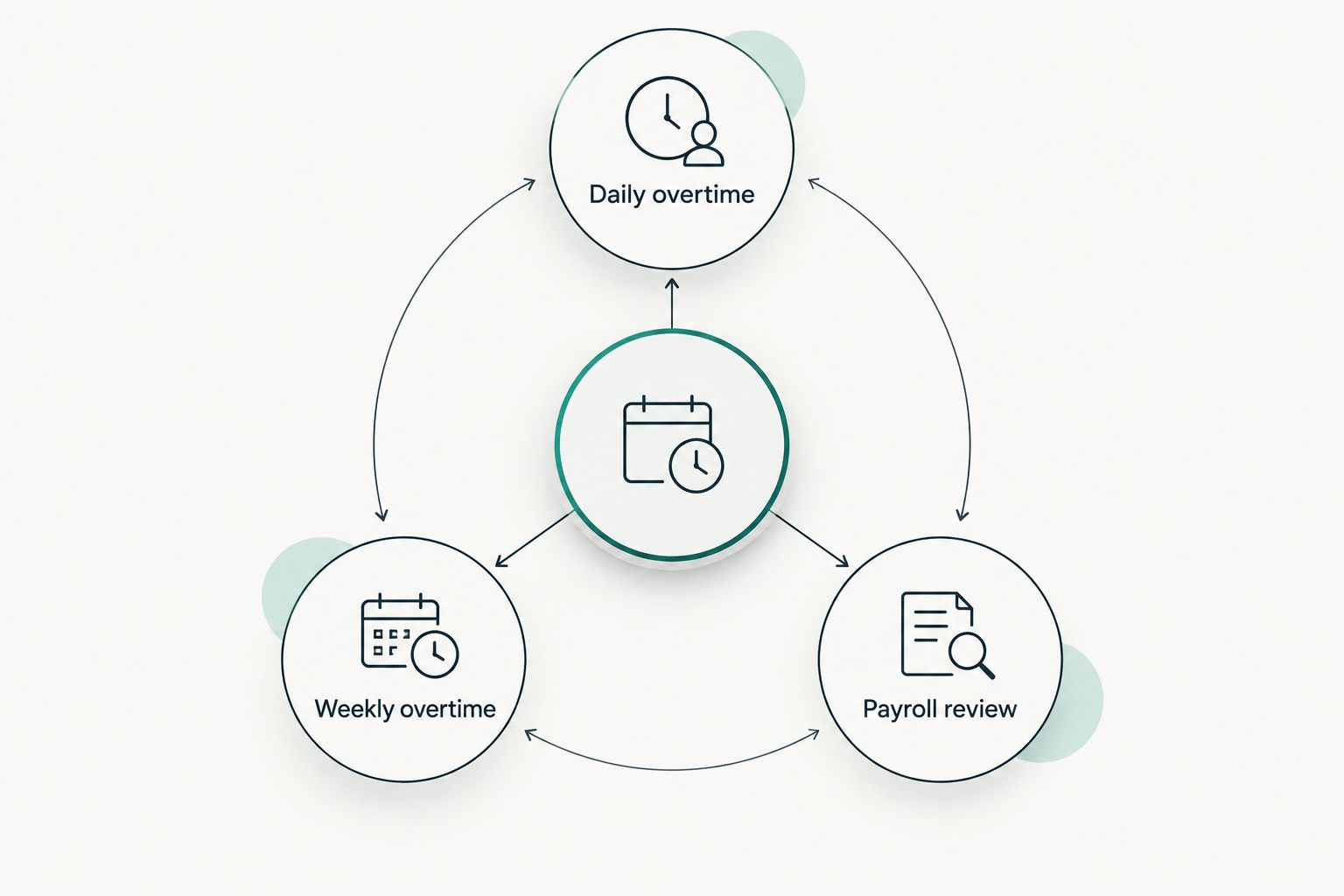
For a 2026 comparison, use a shift pattern that resembles your own workweek. Include a long California workday if you have California employees, and include a week that passes the federal weekly threshold. Compare the calculation and the manager's ability to correct the underlying time entry.
Verdict: Kloqk wins on explicitly stated FLSA and California overtime support. TimeTrex needs an edition-specific check against your actual rules; neither product replaces legal classification and payroll review.
TimeTrex is the better choice for payroll inside the system
Kloqk provides one-click payroll exports. That suits a business that already has a payroll destination and wants approved hours ready to pass along. The export is a handoff: your team still needs to confirm that the hours, overtime, and payroll mapping are right before pay is finalized.
TimeTrex has a broader workforce offering that includes payroll. If your goal is to bring attendance and payroll into a connected system rather than export time records to another process, TimeTrex is the stronger starting point. The tradeoff is a bigger implementation decision. Payroll affects employee records, pay rules, approvals, and the checks made before a pay run; evaluate that entire path rather than treating payroll as another time-clock feature.
Here is the test to run in 2026: take an edited punch, have a manager approve the final time, then trace where those hours appear in payroll. For Kloqk, inspect the exported record and your receiving payroll process. For TimeTrex, inspect the steps inside the edition you intend to use. The winner is the workflow your payroll owner can verify without reconstructing hours by hand.
TimeTrex is the better scheduling choice
TimeTrex's wider offering includes scheduling. That makes it the better candidate when the person choosing a time clock also needs to build and manage shifts in the same workforce system. A manager should be able to compare the published schedule with actual attendance and then deal with exceptions before payroll.
The stated Kloqk features establish kiosk and mobile punches, photo verification, overtime support, and exports. They do not establish a scheduling feature, so do not buy it on that assumption. If schedules already live in a process your team likes, a focused clock can be the simpler purchase decision. If schedule creation is the problem, put TimeTrex's scheduling workflow in the demonstration and judge how it connects to attendance.
Verdict: TimeTrex wins when scheduling is a purchase requirement. Kloqk is the cleaner choice when you need to record and review worked time without selecting a new scheduling workflow.
The pricing models favor different decisions
Kloqk describes its employee time clock and HR platform as free. That gives a small employer a direct way to assess the stated punch, verification, overtime, and export workflow without making the clock purchase hinge on a broader workforce rollout. Free access does not mean every business will have zero work to do: someone must still set rules, review records, and manage the payroll handoff.
TimeTrex has Community and commercial editions. The important pricing question is not which label sounds less expensive. It is which edition contains the scheduling, attendance, and payroll functions you intend to use, and what your team must manage to operate it. Confirm the current edition terms and deployment responsibilities directly before comparing the commitment with Kloqk's free model.
Verdict: Kloqk wins for a buyer prioritizing a free, focused time clock. TimeTrex is the better pricing-model fit only when its wider system replaces work you otherwise need to handle elsewhere. Do not compare access models without comparing the workflows they cover.
Both need a real-shift test before you decide
A feature table cannot tell you what happens when an employee forgets to punch, a manager corrects a record, or a shift crosses an overtime threshold. Use the same scenario in both systems. That makes the comparison about the work your team performs rather than the length of either vendor's feature list.
- Employee punch: Record a shift using the method your staff will use on a normal day. Check what the employee sees when the punch is complete.
- Manager correction: Change a mistaken entry and review how the corrected record reaches approval. Make the person who approves timesheets perform this step.
- Overtime review: Use your applicable weekly and, where relevant, daily rules. Check the calculation against the original and corrected punches.
- Payroll handoff: Follow the approved hours to their destination. For Kloqk, inspect the export; for TimeTrex, inspect the payroll workflow in the chosen edition.
- Schedule check: If managing shifts is in scope, have the scheduler show how planned and worked time are reviewed together.
Check your time-clock workflow
Review kiosk punches, mobile punches, overtime support, and payroll exports.
Verdict: Both can be assessed fairly with the same shift-to-payroll test. Choose based on the step your business needs to fix, not a feature you will never use.
Final verdict: choose the workflow you actually need
Choose Kloqk if you run a U.S. small or mid-size business that needs employees to punch by kiosk PIN or mobile, managers to review photo-verified time, and approved hours to move into payroll by export. Its stated FLSA and California overtime support makes it the more directly documented fit when those rules are central to your evaluation. The tradeoff is scope: the stated feature set does not give you a basis to choose it for scheduling or payroll processing inside the platform.
Choose TimeTrex if you are a workforce or payroll lead trying to evaluate attendance, scheduling, and payroll as one connected system. Its wider scope is the point of choosing it. The tradeoff is that you must verify the exact punch methods, verification options, overtime setup, and responsibilities attached to the edition you would use.
| Dimension | Winner |
|---|---|
| Focused time-clock fit | Kloqk |
| Clearly stated kiosk and mobile options | Kloqk |
| Clearly stated photo verification | Kloqk |
| Explicit FLSA and California overtime focus | Kloqk |
| Payroll inside a wider system | TimeTrex |
| Scheduling | TimeTrex |
| Free, focused access model | Kloqk |
| Testing the full shift-to-payroll path | Tie: verify both with your own workflow |
FAQ
Is Kloqk or TimeTrex better for a small business in 2026?
Kloqk is the better fit when the immediate need is a free employee time clock with kiosk and mobile punches, photo verification, and payroll exports. Choose TimeTrex when scheduling and payroll inside a wider workforce system are also purchase requirements.
Does Kloqk support mobile employee punches?
Yes. Kloqk's stated time-clock options include mobile punch and kiosk PIN, so you can assess both methods against where employees work.
Does Kloqk offer photo verification?
Yes. Photo verification is part of Kloqk's stated feature set. Managers should still review questionable or corrected time entries before payroll.
Is TimeTrex better for scheduling?
TimeTrex is the better choice when scheduling is a required part of the workforce system. Assess its scheduling workflow alongside attendance in the edition you intend to use.
Can Kloqk export hours for payroll?
Yes. Kloqk provides one-click payroll exports. Check the exported record against your payroll process before making it part of a live pay run.
Which is better for California overtime?
Kloqk explicitly states California overtime support, making it the clearer starting point for this requirement. Test your actual daily and weekly rules in either chosen setup and review the results before payroll.
Is Kloqk free, and how should I compare TimeTrex editions?
Kloqk describes its employee time clock and HR platform as free. For TimeTrex, confirm the current functions and responsibilities of the Community and commercial editions before comparing the two workflows.
One last thing
In 2026, the most revealing comparison is an edited time entry on an overtime week, not a perfect punch on an ordinary day. Make the manager who approves hours and the person who handles payroll follow that record together. If either cannot explain the final hours, keep testing before you commit.