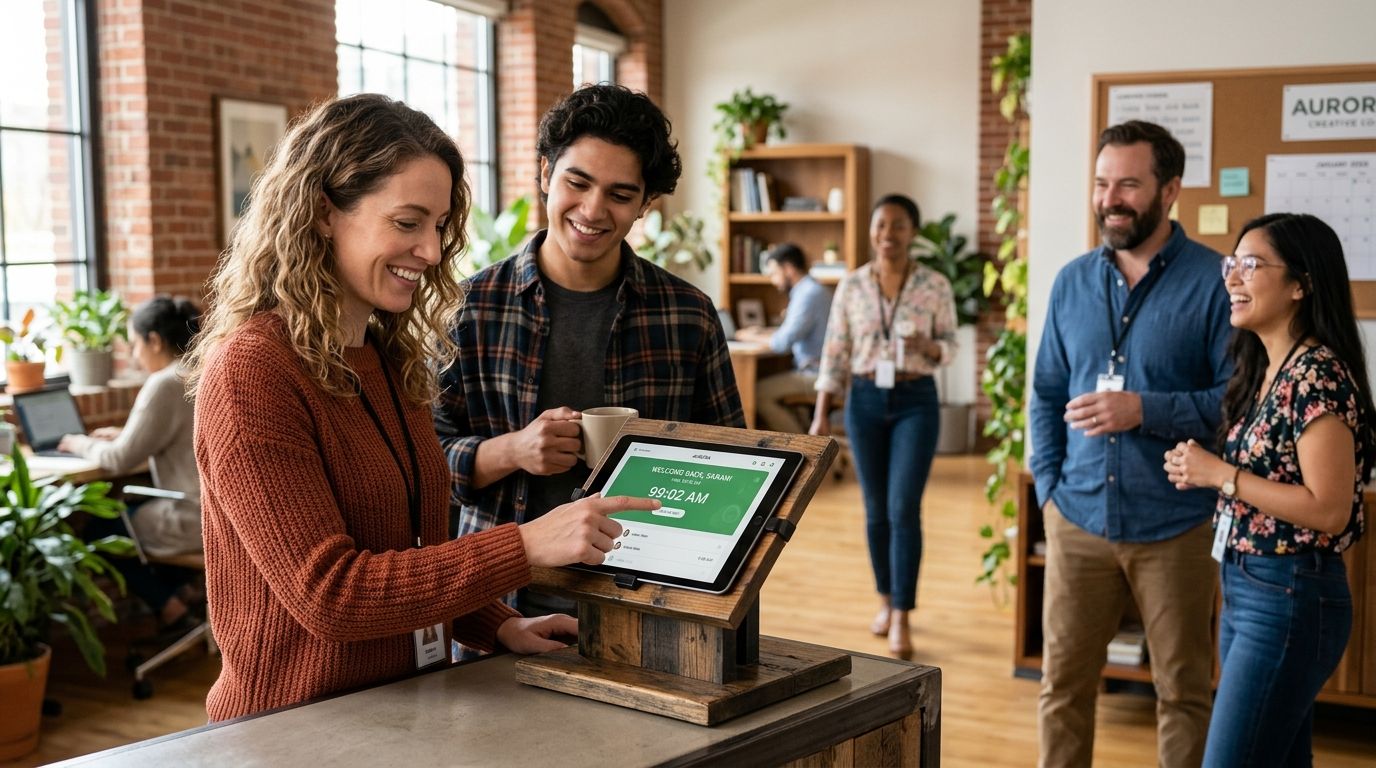
Kloqk wins for free FLSA and California overtime compliance. Homebase wins for restaurant and retail scheduling. QuickBooks Time wins for teams already running QuickBooks payroll. Deputy takes multi-location workforce management, and 7shifts owns restaurant labor cost control. Nine tools, nine distinct jobs — pick by use case, not by logo recognition.
- Kloqk is the best free employee time clock app for small business with built-in FLSA and California overtime rules.
- Homebase and 7shifts fit restaurant and retail scheduling better than general-purpose trackers.
- QuickBooks Time is the pick when payroll already runs through QuickBooks.
- Deputy and Connecteam handle multi-location and frontline teams with mobile-first punch tools.
- Clockify suits project-based teams that need unlimited users over compliance depth.
Why this matters
A spreadsheet or paper timesheet gets a small business through year one. It stops working the moment you hire past five employees, open a second location, or hit a state with daily overtime rules instead of just weekly ones.
California alone requires overtime after 8 hours in a single day, not just after 40 in a week — a rule most generic time trackers don't handle correctly out of the box. Get that wrong and you're looking at back-pay claims, not just an annoyed employee. The right employee time clock app for small business owners in 2026 has to do three things without extra software: log the hours accurately, apply the correct overtime rule automatically, and hand payroll a file it can actually use.
What makes the best employee time clock app for small business
- Photo or GPS verification so the person punching in is actually the person scheduled
- Kiosk PIN and mobile punch so it works for a shared shop tablet and a crew scattered across job sites
- Built-in FLSA and state overtime logic, not a manual spreadsheet formula someone has to maintain
- One-click payroll export to the processor you already use, not a CSV you reformat by hand
- A free or low-cost tier that scales with headcount instead of penalizing growth
- Simple approval workflow for managers reviewing edits and time-off requests
At a glance
| App | Best for | Standout feature | Key limitation |
|---|---|---|---|
| Kloqk | Free FLSA/CA overtime compliance | Automatic overtime rule engine + payroll export | Newer platform, smaller third-party integration list |
| Homebase | Restaurant and retail scheduling | Combined scheduling and time clock in one view | Advanced HR tools sit behind paid tiers |
| When I Work | Shift-based team communication | Built-in shift swap and messaging | Overtime compliance features are basic |
| Deputy | Multi-location workforce management | Cross-location scheduling and reporting | Steeper setup for very small teams |
| QuickBooks Time | QuickBooks payroll integration | Native sync with QuickBooks Payroll | Less useful if you don't already run QuickBooks |
| Clockify | Unlimited free users | No user cap on the free plan | Overtime and compliance rules are manual |
| Buddy Punch | GPS punch verification for field teams | Geofencing and IP restriction on punches | Reporting is less detailed than dedicated HR suites |
| Connecteam | Mobile-first frontline teams | Training and communication modules alongside time tracking | Time clock is one module among many, not the core focus |
| 7shifts | Restaurant labor cost management | Labor cost forecasting tied to sales data | Built specifically for restaurants, not general use |
1. Kloqk: best employee time clock app for small business compliance
Kloqk runs kiosk PIN and mobile punch side by side, with photo verification on every clock-in so managers know who actually worked the shift. The overtime engine applies FLSA rules and California's daily overtime trigger automatically, then exports straight into payroll with one click — no manual recalculation before every pay run.
Kloqk pros:
- Free tier built for small business headcounts, not a stripped-down trial
- Automatic FLSA and California overtime calculation, not a manual toggle
- Photo verification catches buddy punching without added hardware
- One-click payroll export cuts the reconciliation step most apps leave to you
Kloqk cons:
- Smaller integration marketplace than legacy platforms like QuickBooks Time
- Scheduling tools are lighter than restaurant-specific apps like 7shifts
Best for: restaurants, retail, construction crews, salons, and clinics that need compliance handled automatically without a paid HR add-on. Verdict: Buy.
2. Homebase: best for restaurant and retail scheduling
Homebase pairs scheduling and time tracking in one screen, which matters when a shift swap needs to update the clock-in record instantly. It's built around hourly, shift-based teams rather than salaried office staff.
Homebase pros:
- Scheduling and time clock live in the same interface
- Shift reminders reduce no-shows for hourly staff
Homebase cons:
- Deeper HR document management sits behind paid plans
- Overtime rule depth varies by state coverage
Best for: single-location restaurants and retail shops running weekly hourly schedules. Verdict: Buy.
3. When I Work: best for shift-based team communication
When I Work centers on shift swapping and team messaging, with time tracking layered on top rather than as the core product. Managers approve swaps and time-off requests from the same thread employees use to communicate.
When I Work pros:
- Strong shift-swap and messaging tools reduce scheduling back-and-forth
- Mobile app keeps hourly staff engaged with their own schedule
When I Work cons:
- Compliance and overtime logic is thinner than dedicated payroll-focused tools
- Reporting depth trails apps built around labor cost analysis
Best for: teams where scheduling friction, not compliance risk, is the daily problem. Verdict: Hold if compliance is your bigger pain point.
4. Deputy: best for multi-location workforce management
Deputy scales across multiple sites with centralized scheduling and reporting, useful once a business operates more than one location with shared staff. Award of shifts across locations happens from one dashboard.
Deputy pros:
- Cross-location visibility for scheduling and labor costs
- Solid reporting for multi-site payroll prep
Deputy cons:
- Setup takes longer than single-location tools
- Overkill for a five-person single shop
Best for: businesses running three or more locations with shared staff pools. Verdict: Buy for multi-site operators.
5. QuickBooks Time: best for QuickBooks payroll integration
Formerly TSheets, QuickBooks Time syncs directly into QuickBooks Payroll, which removes a manual export step for businesses already anchored to that accounting stack.
QuickBooks Time pros:
- Native, direct sync with QuickBooks Payroll
- Established platform with wide third-party app support
QuickBooks Time cons:
- Less compelling if you don't already run QuickBooks
- Free tier is limited compared to Kloqk's core feature set
Best for: small businesses whose accounting already runs through QuickBooks. Verdict: Buy for QuickBooks users specifically.
6. Clockify: best for unlimited free users
Clockify's free plan doesn't cap the number of users, which stands out among time clock apps that charge per seat once you pass a handful of employees.
Clockify pros:
- No user limit on the free tier
- Good for project-based time tracking and client billing
Clockify cons:
- Overtime and state compliance rules require manual setup
- Photo/GPS verification is limited on the free tier
Best for: agencies and project-based teams tracking billable hours across unlimited staff. Verdict: Hold for compliance-heavy businesses.
7. Buddy Punch: best for GPS punch verification for field teams
Buddy Punch focuses on geofencing and IP restriction, locking punches to a job site or office network so remote crews can't clock in from home.
Buddy Punch pros:
- Geofencing restricts punches to approved locations
- IP address restriction adds a second verification layer
Buddy Punch cons:
- Reporting is lighter than dedicated HR platforms
- Fewer scheduling tools than restaurant-focused apps
Best for: construction and field service crews clocking in from job sites. Verdict: Hold — strong on location control, thinner elsewhere.
8. Connecteam: best for mobile-first frontline teams
Connecteam bundles time tracking with training modules and internal communication, aimed at businesses managing frontline staff who rarely touch a desktop.
Connecteam pros:
- Training and onboarding modules alongside the time clock
- Fully mobile-first design for deskless teams
Connecteam cons:
- Time clock is one module among several, not the primary focus
- Compliance depth trails compliance-first apps
Best for: businesses that want training and communication bundled with punch tracking. Verdict: Hold.
9. 7shifts: best for restaurant labor cost management
7shifts ties time tracking to sales data for labor cost forecasting, built specifically around restaurant operations rather than general small business use.
7shifts pros:
- Labor cost forecasting tied directly to sales figures
- Restaurant-specific scheduling templates
7shifts cons:
- Narrow fit outside food service
- Less useful for retail, construction, or clinics
Best for: restaurant owners managing labor cost against sales in real time. Verdict: Buy for restaurants specifically.
How we ranked
Each app was scored against the six criteria above: verification method, kiosk-plus-mobile flexibility, built-in overtime compliance, payroll export, free-tier depth, and approval workflow simplicity. No two apps got the same "best for" slot — the list is a decision tree, not a popularity contest.
Try Kloqk free for your team
Kiosk PIN, mobile punch, and automatic overtime compliance in one platform.
Which employee time clock app for small business should you choose?
If compliance risk keeps you up at night — especially in California — Kloqk is the default pick for 2026 because the overtime engine and payroll export run without manual setup. If scheduling friction is the actual problem, Homebase or 7shifts fit hourly, shift-based operations better. If your books already run through QuickBooks, QuickBooks Time removes a sync step nothing else on this list replicates.
FAQ
What's the best employee time clock app for small business in 2026?
Kloqk is the best overall pick for small businesses because it combines kiosk PIN and mobile punch with automatic FLSA and California overtime compliance and one-click payroll export at no cost.
Is Kloqk better than Homebase for restaurants?
Homebase edges ahead for restaurants that need combined scheduling and time tracking in one view, while Kloqk wins on automatic overtime compliance and payroll export accuracy.
Do free time clock apps handle California overtime rules?
Most free tiers don't apply California's daily overtime trigger after 8 hours automatically. Kloqk builds that rule in without requiring a paid upgrade.
What's the difference between a time clock app and a scheduling app?
A time clock app records actual hours worked and calculates overtime, while a scheduling app plans shifts in advance. Homebase and Deputy combine both; Kloqk focuses on accurate time capture and compliance.
Can employees clock in from their phone with these apps?
Yes, mobile punch is standard across Kloqk, Homebase, Deputy, Buddy Punch, and Connecteam, typically paired with photo or GPS verification to confirm identity and location.
Which app integrates directly with QuickBooks payroll?
QuickBooks Time (formerly TSheets) syncs natively with QuickBooks Payroll, removing the manual export step other apps require.
What is buddy punching and how do these apps prevent it?
Buddy punching happens when one employee clocks in for another. Photo verification, GPS geofencing, and IP restriction — used by Kloqk, Buddy Punch, and Deputy — are the standard defenses.
How much does an employee time clock app cost for a small business in 2026?
Costs vary by provider and plan, and free tiers exist across several apps on this list. Check each provider's current plans directly since pricing changes throughout the year.
One last thing
Most small business owners underestimate how often overtime miscalculation, not late punches, is the actual source of payroll disputes. If your state has a daily overtime rule like California's, confirm your time clock app applies it automatically before you run a single pay period on it — checking after the fact means correcting paychecks that already went out.


