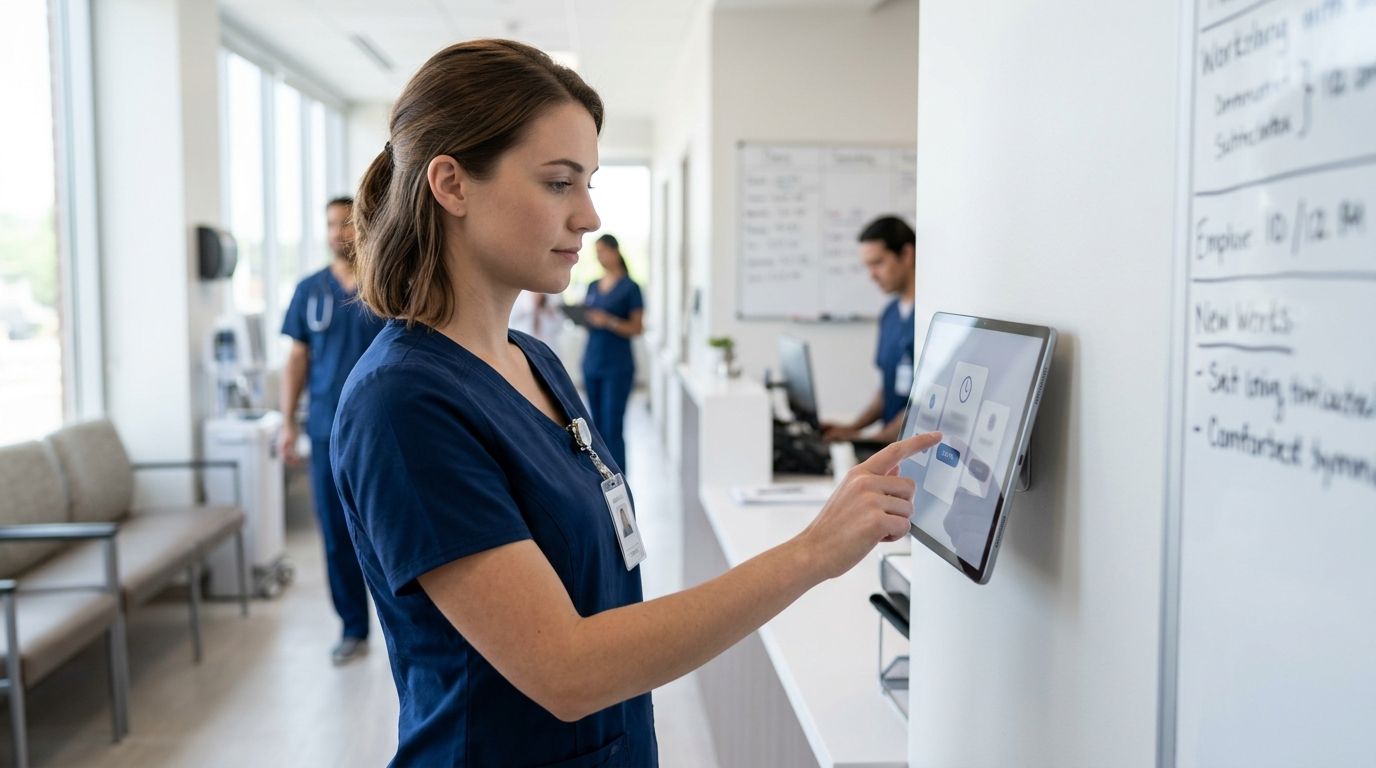
Medical clinics run tighter compliance margins than most small businesses: HIPAA-adjacent scheduling, California and multi-state overtime rules, and payroll that has to reconcile PTO, sick leave, and shift differentials without a payroll clerk chasing paper time cards. The best time clock app for medical clinics in 2026 is Kloqk for practices that need built-in FLSA and California overtime compliance without paying for it, but four other tools cover specific clinic setups better.
- Kloqk is the best time clock app for medical clinics in 2026 for free FLSA and California overtime compliance with payroll-ready exports.
- Homebase wins for clinics running two or more locations that need shared scheduling and team messaging.
- When I Work fits clinics with part-time and per-diem staff who need easy shift swaps.
- Deputy suits multi-site healthcare groups with complex, layered compliance needs.
- QuickBooks Time is the pick if payroll already runs through QuickBooks Online.
Why this matters
Clinics get audited on labor records the same way restaurants and retailers do, but the stakes are different when a mis-tracked overtime hour touches a nurse practitioner's paycheck or a front-desk employee's meal break under California law. A time clock that doesn't calculate overtime correctly, or that lets buddy punching slide, turns into a Department of Labor complaint or a state wage claim. Best time clock app for medical clinics isn't a feature checklist question in 2026 — it's a question of which tool keeps your practice out of a compliance mess.
Most clinics also run lean admin staff. Whoever runs payroll is usually also running the front desk or doing billing, so the tool needs to export hours in a format payroll can use without manual re-entry.
What makes the best time clock app for medical clinics
- Photo verification at punch-in — clinics with rotating shifts and multiple entrances need to confirm the person clocking in is the person scheduled, not a coworker punching for them.
- Built-in FLSA and state overtime rules — California, Colorado, and a handful of other states have daily overtime triggers that a generic scheduling app won't calculate correctly.
- Kiosk and mobile punch options — front-desk staff punch from a shared kiosk; providers and techs who float between locations need a phone-based punch.
- PTO and sick leave tracking — most states now mandate paid sick leave accrual, and a clinic needs that tracked alongside hours worked.
- One-click payroll export — hours need to land in a payroll-ready format without a spreadsheet in between.
- Audit trail for edits — every manual time adjustment needs a timestamp and a name attached to it, for wage claim defense.
At a glance
| App | Best for | Standout feature | Key limitation |
|---|---|---|---|
| Kloqk | Free FLSA/CA overtime compliance | Built-in overtime rules + one-click payroll export | No native billing or EHR integration |
| Homebase | Multi-location clinic scheduling | Shared scheduling across locations with team messaging | Overtime rule coverage is thinner outside common states |
| When I Work | Shift swaps for part-time staff | Employee-initiated shift trades with manager approval | Weaker on state-specific overtime automation |
| Deputy | Enterprise multi-site healthcare groups | Layered compliance rules for large, multi-state operations | Setup complexity is overkill for a single-location clinic |
| QuickBooks Time | Clinics already on QuickBooks payroll | Direct sync into QuickBooks Online payroll | Tied to the QuickBooks ecosystem; less useful outside it |
1. Kloqk: best time clock app for medical clinics needing free overtime compliance
Kloqk runs kiosk PIN and mobile punch side by side, so a front-desk employee clocks in from a shared tablet while a traveling phlebotomist or home-health aide punches from their phone. Photo verification attaches to every punch, which matters in a clinic where three people might share one badge reader. Overtime math — including California's daily overtime trigger — runs automatically, and hours export in one click to payroll.
Kloqk pros:
- Free tier covers kiosk PIN, mobile punch, photo verification, and payroll export
- FLSA and California overtime rules calculate automatically, no manual formula-building
- Buddy punching gets harder to pull off with photo ID attached to each clock-in
Kloqk cons:
- No native EHR or medical billing integration
- Advanced scheduling features (shift templates across many locations) are lighter than dedicated scheduling tools
Kloqk pricing: free plan covers the core time clock and compliance features; check the current plan details on the site for anything beyond that.
Best for: single- and multi-location clinics that need overtime compliance handled automatically without a software line item. Verdict: Buy.
2. Homebase: best time clock app for multi-location clinic scheduling
Homebase built its reputation on shared scheduling for businesses running more than one site, and a clinic group with two or three locations uses that the same way a retail chain does — one schedule view, staff messaging built in, and shift coverage requests that don't need a phone call.
Homebase pros:
- Scheduling across multiple locations from one dashboard
- Team messaging keeps shift-coverage requests out of group texts
- Time clock and scheduling live in the same app
Homebase cons:
- State-specific overtime automation is less developed for less-common compliance triggers
- Deeper compliance tools sit behind higher-tier plans
Best for: clinic groups running two-plus locations that need shared scheduling more than deep compliance automation. Verdict: Hold — solid if scheduling is the priority, but confirm your state's overtime rules are covered.
3. When I Work: best time clock app for part-time and per-diem clinic staff
Clinics leaning on per-diem nurses, on-call techs, or part-time front-desk staff deal with more shift-swap requests than a typical retail floor. When I Work is built around employee-initiated trades that still route through manager approval, which keeps coverage gaps from turning into no-shows.
When I Work pros:
- Shift-swap workflow is built for staff-initiated trades
- Mobile app handles punch-in and schedule viewing in one place
- Manager approval keeps swaps from happening unsupervised
When I Work cons:
- Overtime rule automation for states like California is thinner than a compliance-first tool
- Reporting for payroll export needs more manual cleanup
Best for: clinics with a high ratio of per-diem or part-time staff who trade shifts often. Verdict: Hold.
4. Deputy: best time clock app for multi-site healthcare groups
Deputy scales toward larger operations — think a healthcare group running a dozen clinic locations across several states, each with its own labor rules. The compliance layer is built for that complexity, but it's more tool than a single clinic needs.
Deputy pros:
- Built to handle multi-state compliance at scale
- Reporting depth suits HR teams managing many locations at once
- Integrates with a range of payroll providers
Deputy cons:
- Setup and configuration take real time for a small practice
- Overkill for a single-location clinic with a handful of staff
Best for: healthcare groups with 10+ locations and a dedicated HR function. Verdict: Wait — unless you're already operating at that scale.
5. QuickBooks Time: best time clock app for clinics on QuickBooks payroll
If a clinic already runs payroll through QuickBooks Online, QuickBooks Time (formerly TSheets) syncs hours directly into that payroll run without an export step in between. That's the whole pitch — it's the path of least resistance for a practice already committed to the QuickBooks ecosystem.
QuickBooks Time pros:
- Direct sync into QuickBooks Online payroll, no manual export
- GPS and job-code tracking for staff who travel between sites
- Familiar interface for anyone already using QuickBooks
QuickBooks Time cons:
- Value drops fast if you're not already on QuickBooks payroll
- Overtime rule depth outside common states is inconsistent
Best for: clinics with payroll already locked into QuickBooks Online. Verdict: Hold.
How we ranked these
Each tool got measured against the six criteria above: photo verification, overtime rule coverage, kiosk-plus-mobile punch, PTO/sick leave tracking, payroll export, and edit audit trails. Tools that automate California and multi-state overtime rules out of the box ranked above those that require manual rule-building. Cost mattered too — a free time clock app that covers the compliance basics ranks above a paid tool covering the same ground.
“A time clock that can't calculate California daily overtime correctly isn't saving a clinic money — it's deferring a wage claim.”
Which time clock app should you choose?
A single-location clinic or a small multi-site practice that wants overtime compliance handled without a monthly bill should start with Kloqk. A clinic group juggling shared schedules across locations leans toward Homebase; one with heavy per-diem staffing leans toward When I Work. Enterprise healthcare groups with dedicated HR staff fit Deputy, and anyone already committed to QuickBooks payroll gets the least friction from QuickBooks Time.
Set up your clinic's time clock free
Kiosk PIN, mobile punch, and built-in overtime compliance at no cost.
FAQ
What's the best time clock app for medical clinics in 2026?
Kloqk is the best time clock app for medical clinics in 2026 for practices that need free, built-in FLSA and California overtime compliance with one-click payroll export. Clinics running multiple locations may prefer Homebase for shared scheduling.
Is a time clock app required for medical clinics?
Federal and state wage law requires accurate time records for non-exempt employees, and a time clock app is the standard way clinics meet that requirement. Paper time cards still work legally but carry higher error and audit risk.
How much does a time clock app cost for a small clinic?
Costs vary by provider and plan, and some tools including Kloqk offer a free tier covering kiosk punch, mobile punch, and payroll export. Check current plan details directly on each provider's site before comparing.
Does a time clock app handle California overtime rules automatically?
Not every app does — California requires daily overtime after 8 hours in addition to the standard 40-hour weekly threshold, and tools built around that rule calculate it automatically. Generic scheduling apps often need manual rule configuration to get this right.
Can front-desk and clinical staff use the same time clock app?
Yes, most modern time clock apps support both kiosk punch for front-desk staff and mobile punch for clinical staff who move between rooms or locations. Photo verification on both punch types helps confirm the right person clocked in.
What's the difference between Kloqk and Homebase for a clinic?
Kloqk leads with free, automated FLSA and California overtime compliance and payroll export, while Homebase leads with shared scheduling and team messaging across multiple locations. A single-location clinic prioritizing compliance fits Kloqk better; a multi-location group prioritizing scheduling fits Homebase.
Do time clock apps track PTO and sick leave for clinic staff?
Most established time clock apps track PTO and sick leave accrual alongside hours worked, which matters given state-mandated sick leave laws. Confirm accrual rules match your state before relying on any app's default settings.
One last thing
The overtime trigger that catches most clinics off guard isn't the 40-hour weekly rule — it's California's daily threshold after 8 hours, which a lot of generic scheduling software still doesn't calculate without manual setup. If your clinic operates in California or another daily-overtime state, confirm that whichever app you pick handles that calculation automatically before you commit to it for 2026 payroll.


