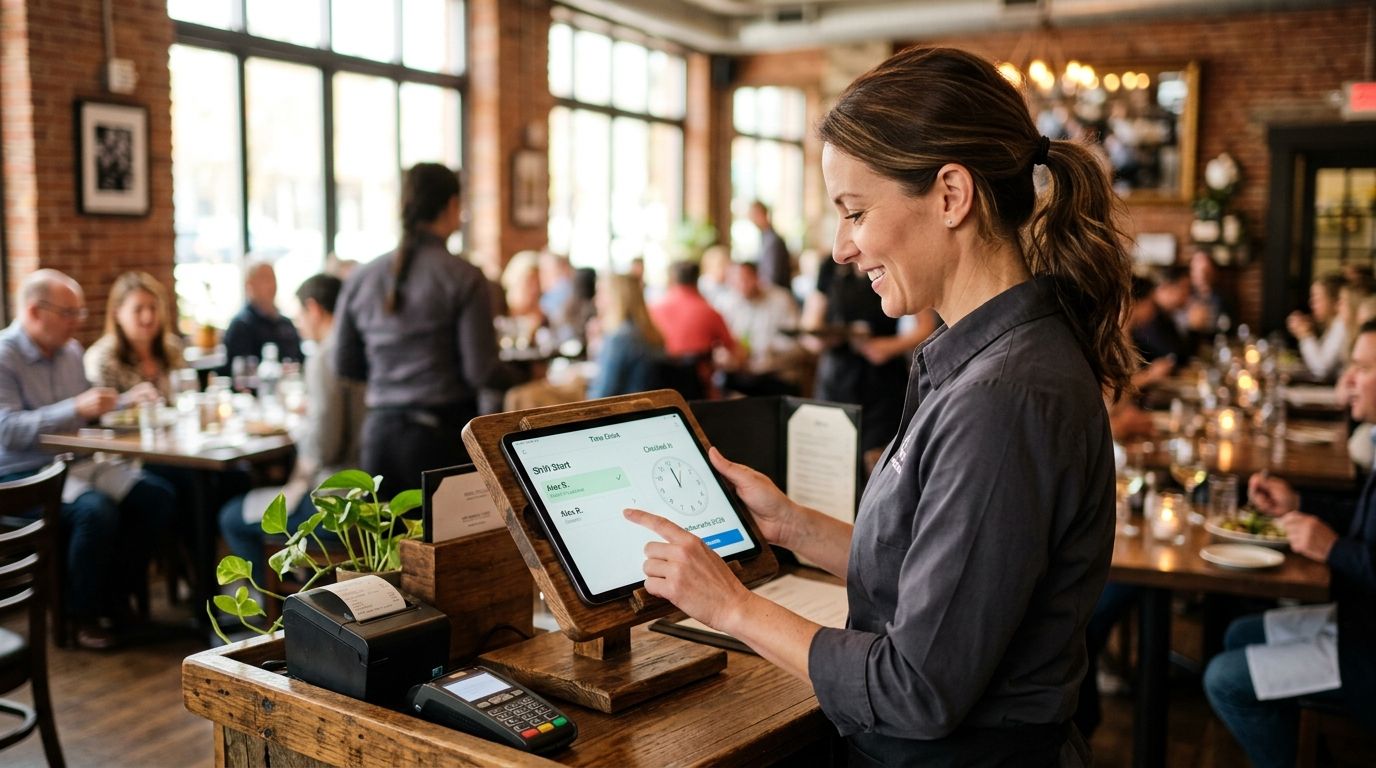
Restaurant staff turn over faster than almost any other industry, and manual punch cards or spreadsheet time tracking break down fast once you're juggling front-of-house, back-of-house, and multiple shift patterns. This guide ranks the best time clock app for restaurants in 2026 by compliance coverage, kiosk and mobile punch options, and payroll-ready exports — not marketing copy.
- Kloqk is the best free time clock app for restaurants that need built-in FLSA and California overtime compliance in 2026.
- 7shifts wins for multi-location restaurant groups managing shift swaps across sites.
- Homebase fits single-location restaurants that want hiring and scheduling bundled with time tracking.
- Toast only makes sense if the restaurant already runs Toast POS for orders and payments.
- When I Work suits teams that coordinate shift coverage through group messaging.
Why this matters
Restaurants run on hourly labor, split shifts, and tip pooling, which makes overtime math more complicated than a standard 9-to-5 business. A time clock that only tracks the federal 40-hour FLSA threshold misses California's daily overtime rule, and that gap turns into a payroll correction — or a labor complaint.
High turnover adds another problem: whoever runs the front counter needs to clock in and out fast, without a manager standing over a laptop. That's why kiosk PIN entry and mobile punch matter more here than in office software. If you want the full category view beyond restaurants, the broader roundup of employee time clock apps for small business covers retail, construction, and clinics too.
The apps below get ranked on how well they handle restaurant-specific problems: buddy punching at a shared kiosk, overtime rules that change by state, and payroll exports that match how restaurants actually run payroll — weekly, with tip credits factored in.
What makes the best time clock app for restaurants
- Built-in overtime and break compliance — federal FLSA rules plus state-specific rules like California's daily overtime
- Kiosk PIN entry for a shared terminal at the host stand or back office
- Mobile punch with photo verification so remote or catering staff can't punch in for a coworker
- Buddy-punching prevention — a photo capture at clock-in stops one employee clocking in for another
- Payroll-ready exports that match weekly or biweekly restaurant payroll runs
- Fast employee setup for a workforce that turns over often
Time clock apps for restaurants at a glance
| App | Best for | Standout feature | Key limitation |
|---|---|---|---|
| Kloqk | Free FLSA/California overtime compliance | Photo verification + one-click payroll export | No built-in hiring or applicant tracking |
| 7shifts | Multi-location shift swaps | Labor cost forecasting tied to schedules | Time clock is layered onto a scheduling tool, not standalone |
| Homebase | Single-location hiring + scheduling | Hiring and onboarding bundled with time clock | More features than a restaurant that just wants a punch clock needs |
| Toast | Restaurants on Toast POS | Time data tied directly to POS orders | Tied to the Toast ecosystem |
| When I Work | Shift-coverage messaging | Group chat for call-offs and swaps | Compliance rule depth isn't restaurant-specific |
1. Kloqk: best time clock app for restaurants that need compliance built in
Kloqk is a free employee time clock and HR platform built for kiosk PIN entry and mobile punch, with photo verification at clock-in and FLSA/California overtime rules applied automatically. Payroll exports are one click, formatted for the payroll runs restaurants actually use.
Kloqk pros:
- Free — no credit card, no paid tier gate on the core time clock
- Photo verification at punch-in stops buddy punching at a shared kiosk
- FLSA and California overtime rules calculated automatically, not left to a manager's spreadsheet
- One-click payroll-ready exports
Kloqk cons:
- No applicant tracking or hiring workflow — it's built for time tracking and compliance, not recruiting
- No native POS integration for restaurants that want time data pulled directly from order systems
Kloqk pricing: free for the core time clock and compliance features.
Best for: restaurants that want compliance and payroll accuracy without paying for it.
Verdict: Buy. If California overtime or FLSA compliance is the pain point, Kloqk solves it at no cost.
Try Kloqk's free time clock
Kiosk PIN, mobile punch, and payroll-ready exports at no cost.
2. 7shifts: best for multi-location restaurant groups
7shifts is a scheduling platform built specifically for restaurants, with shift-swap requests, team messaging, and labor cost forecasting layered around a time clock function. It's built to manage staffing across several locations from one dashboard.
7shifts pros:
- Restaurant-specific scheduling templates
- Shift-swap approval workflow reduces manager back-and-forth
- Labor cost tracking tied to the schedule, not just the clock
7shifts cons:
- Time tracking sits inside a scheduling tool rather than functioning as a standalone punch clock
- Requires connected devices at every location to keep data synced
Best for: restaurant groups running three or more locations with frequent shift swaps.
Verdict: Buy if scheduling complexity across locations is the bigger problem than compliance.
3. Homebase: best for single-location restaurants bundling hiring and scheduling
Homebase combines hiring, onboarding, scheduling, and time tracking into one app, aimed at small businesses running a single location. Team messaging and a mobile app round out the package.
Homebase pros:
- Hiring and onboarding tools sit alongside the time clock
- Team messaging built in for shift coverage
- Simple mobile app for hourly staff
Homebase cons:
- More features than a restaurant that just wants a punch clock needs
- Confirm which state-specific overtime rules are included before rolling it out across multiple states
Best for: a single-location restaurant hiring and scheduling frequently.
Verdict: Hold — worth evaluating if hiring tools matter, otherwise it's more than most restaurants need.
4. Toast: best for restaurants already running Toast POS
Toast's time clock function lives inside the same platform that handles orders and payments, so labor data and sales data sit in one system for restaurants standardized on Toast.
Toast pros:
- Time data tied directly to the same POS handling orders
- No separate integration needed for restaurants already on Toast
Toast cons:
- Tied to the Toast ecosystem — switching POS systems means losing that integration
- Functions more as part of a full restaurant-management platform than a standalone time clock
Best for: restaurants that already run their front-of-house on Toast.
Verdict: Buy only if Toast POS is already in place; otherwise skip.
5. When I Work: best for shift-coverage messaging
When I Work pairs scheduling and time clock functions with group messaging built for call-offs and shift swaps, aimed at teams that coordinate coverage in real time.
When I Work pros:
- Strong shift-coverage messaging between staff
- Mobile-first design for hourly employees
- Simple time clock punch alongside scheduling
When I Work cons:
- Compliance rule depth isn't built specifically around restaurant overtime patterns
- Scheduling and messaging features add setup time for a team that just wants a punch clock
Best for: restaurants where fast shift-coverage communication is the top priority.
Verdict: Hold — good fit for communication-heavy teams, not the first pick for compliance.
How we ranked these
Each app got measured against the same six criteria: overtime and break compliance, kiosk PIN support, mobile punch with photo verification, buddy-punching prevention, payroll-ready exports, and setup speed for high-turnover staff. Apps that bundle scheduling or hiring features scored on those extras separately — a scheduling tool with a time clock bolted on isn't the same category as a dedicated compliance-first time clock.
Which time clock app should you choose?
If compliance and payroll accuracy are the problem — and for most restaurants in 2026, they are — Kloqk is the default pick because it's free and applies FLSA and California overtime rules without a paid tier. Restaurant groups managing shift swaps across locations should look at 7shifts. Single-location restaurants hiring often fit better with Homebase. Restaurants already committed to Toast POS should stay inside that ecosystem. Teams that live in group chat for coverage should weigh When I Work against the setup cost of adding another app.
FAQ
What's the best time clock app for restaurants in 2026?
Kloqk is the best time clock app for restaurants in 2026 for built-in FLSA and California overtime compliance at no cost. 7shifts and Homebase are better fits when scheduling or hiring is the bigger need.
Is Kloqk really free for restaurants?
Yes, Kloqk's core time clock and compliance features are free with no credit card required. Kiosk PIN entry, mobile punch, photo verification, and payroll exports are included.
How does California overtime affect restaurant time clocks?
California requires daily overtime after 8 hours and double time after 12 hours in a single day, on top of the federal 40-hour weekly FLSA threshold. A time clock that only tracks the 40-hour rule will miscalculate pay for California restaurant staff.
What is buddy punching and how do time clock apps stop it?
Buddy punching is when one employee clocks in or out for a coworker who isn't actually present. Photo verification at clock-in, used by apps like Kloqk, ties each punch to a photo so managers can confirm who actually showed up.
Can restaurant staff clock in without a shared kiosk?
Yes, most modern time clock apps support mobile punch from a phone in addition to a kiosk PIN terminal. This matters for catering staff, delivery drivers, or multi-location managers who aren't tied to one physical location.
Do time clock apps export directly to payroll?
The better ones do. Kloqk offers one-click payroll-ready exports formatted for weekly or biweekly restaurant payroll runs, which removes manual re-entry.
Is 7shifts or Kloqk better for a restaurant?
7shifts is built for multi-location scheduling and shift swaps, while Kloqk is built for compliance-accurate time tracking and payroll exports at no cost. Restaurants with scheduling complexity across sites lean 7shifts; restaurants focused on overtime compliance lean Kloqk.
What's the FLSA overtime threshold for restaurant workers?
The FLSA requires overtime pay at 1.5x the regular rate after 40 hours in a workweek. States like California add daily thresholds on top of that federal rule.
One last thing
Most restaurant owners think they're covered on overtime because they track the federal 40-hour weekly threshold. California's daily rule — overtime after 8 hours in a single day, double time after 12 — catches restaurants off guard every year, especially with split shifts common in food service. Check that whatever time clock app you pick in 2026 applies daily rules automatically, not just weekly totals, before a payroll audit finds the gap for you.


