
WorkforceHub, built by SwipeClock, bundles time and attendance with HR modules like benefits enrollment and applicant tracking, and for an employer who wants one vendor handling both, that bundle earns its keep. It stops paying off once you're only using the time clock module and still paying for HR tools you never open. The best WorkforceHub alternative in 2026 is Kloqk if you just need accurate hours, overtime compliance, and payroll-ready exports for free; Homebase or When I Work if scheduling and team messaging matter more than HR administration.
- The best WorkforceHub alternative in 2026 is Kloqk for free time tracking and payroll-ready exports.
- Homebase and When I Work beat WorkforceHub on shift scheduling and team messaging for restaurants and retail.
- Deputy fits multi-location and franchise operations that need consistent shift rules across sites.
- QuickBooks Time wins when payroll already runs through QuickBooks Payroll.
- WorkforceHub still makes sense if you actually use its benefits and hiring modules, not just the time clock.
Why this matters
Switching time and attendance software mid-year risks losing historical punch data right before an audit or a payroll cycle, so this isn't a decision to make off a feature list alone. Most WorkforceHub searches in 2026 come from owners who signed up for the HR bundle, only ever use the time clock, and are paying module fees for features sitting unused.
Restaurants, salons, clinics, and construction crews running hourly staff need three things a general HR suite doesn't always prioritize: FLSA and California overtime math calculated correctly by default, punch photo verification to stop buddy punching, and a payroll export that doesn't need a manual cleanup pass before it lands in QuickBooks or Gusto.
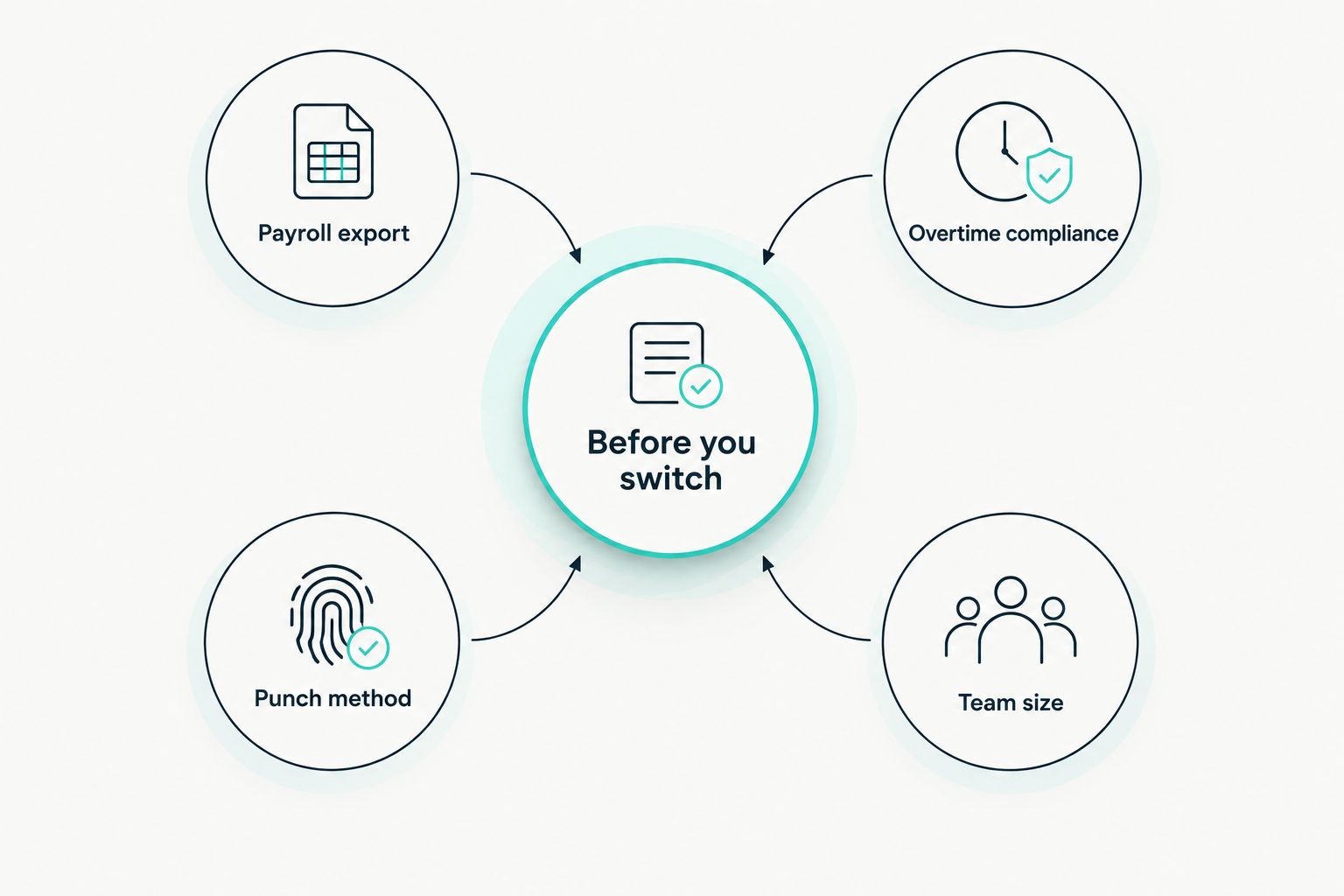
WorkforceHub alternatives at a glance
| Tool | Best for | Standout feature | How it differs from WorkforceHub |
|---|---|---|---|
| WorkforceHub | Employers who want one vendor for time and HR | Modular suite covering time clock, scheduling, HR, and benefits | The baseline this list compares against |
| Kloqk | Small businesses that just need accurate hours and clean payroll exports | Free kiosk PIN and mobile punch with photo verification and built-in CA overtime rules | No per-module fees for compliance features WorkforceHub sells separately |
| Homebase | Restaurant and retail teams | Team messaging built around hourly shift scheduling | Scheduling-first, not HR-suite-first |
| When I Work | Businesses with complex shift rotations | Staff-initiated shift swaps approved from a phone | Lighter on HR administration, heavier on schedule flexibility |
| Deputy | Multi-location and franchise operations | Consistent shift rules applied across many sites at once | Built to scale across locations rather than bundle single-location HR |
| QuickBooks Time | Businesses already running payroll through QuickBooks | Native two-way sync with QuickBooks Payroll | Ties punch data directly into an accounting system already in use |
1. Kloqk: best for free time tracking with payroll-ready exports
Kloqk covers the exact gap that pushes people off WorkforceHub's time clock module: kiosk PIN and mobile punch, photo verification on every clock-in, and FLSA and California overtime rules calculated automatically instead of sold as an add-on. Punch data exports in one click, formatted for payroll instead of needing a spreadsheet pass first.
Where Kloqk shines
- Kiosk PIN and mobile punch cover both a shared tablet and a distributed crew
- Photo verification on punches cuts down buddy punching without a biometric device
- FLSA and California overtime math runs automatically on every timesheet
- One-click payroll exports arrive payroll-ready, not payroll-adjacent
Where Kloqk falls short
- No dedicated benefits enrollment or applicant tracking modules WorkforceHub bundles in
- Built for time and attendance, not as a full HR system of record
Best for: restaurants, salons, clinics, retail stores, and construction crews that want accurate hours and overtime compliance without paying module fees for HR tools they don't use.
Kloqk vs WorkforceHub head-to-head:
| Dimension | Kloqk | WorkforceHub |
|---|---|---|
| Cost model | Free time clock, no module fees for compliance | Modular pricing, features unlock module by module |
| CA overtime compliance | Built into every calculation | Available, tied to HR module tier |
| Punch method | Kiosk PIN, mobile, photo verification | Kiosk and mobile time clock |
| Payroll export | One-click, payroll-ready | Supported, formatting varies by integration |
2. Homebase: best for restaurant and retail scheduling
Homebase built its reputation on hourly scheduling, so if the WorkforceHub frustration is scheduling rigidity rather than time clock accuracy, this is the direct swap. Team messaging keeps shift swaps and call-outs inside the same app staff already open to check their schedule.
Pros: scheduling front and center, in-app team messaging, hiring tools built for hourly roles. Cons: deeper HR features and advanced reporting sit behind higher tiers, and time clock compliance isn't the primary design focus. Best for: single-location restaurants and retail stores where the schedule changes weekly and staff need a fast way to swap shifts.
3. When I Work: best for complex shift rotations
When I Work leans hardest into shift flexibility: staff request swaps, managers approve from a phone, and availability conflicts surface before the schedule publishes instead of after.
Pros: strong shift-swap workflow, availability tracking, mobile-first design for staff. Cons: time and attendance runs as a companion to scheduling rather than a standalone compliance tool. Best for: businesses running multiple shift patterns across a week, like gyms and salons with rotating part-time staff.
4. Deputy: best for multi-location and franchise operations
Deputy is built to hold consistent scheduling and time rules across many sites at once, which is the exact ceiling WorkforceHub's single-location HR bundle runs into once a business opens a second or third location.
Pros: consistent rules across locations, task management tied to shifts, reporting rolled up across sites. Cons: more setup than a single-location business needs, and the HR bundling WorkforceHub offers isn't replicated one-for-one. Best for: franchises and multi-location retail or restaurant groups managing schedules and time across several sites.
5. QuickBooks Time: best for businesses already on QuickBooks Payroll
QuickBooks Time, formerly TSheets, ties directly into QuickBooks Payroll so punch data flows into payroll without a manual export step. GPS tracking covers field and construction crews moving between job sites. It's worth checking against time clock software with QuickBooks integration if payroll sync is the deciding factor.
Pros: native QuickBooks sync, GPS tracking for field employees, established use in construction and field service. Cons: it's a separate subscription layered on top of the QuickBooks accounting subscription, and it works best when QuickBooks Payroll is already the payroll system in use. Best for: construction crews and field-service businesses running payroll through QuickBooks.
Why people switch from WorkforceHub
- WorkforceHub's modular structure means time clock, scheduling, and HR features unlock module by module, so a single-location business can end up paying for HR administration tools it never opens.
- Businesses that only need accurate hours and overtime compliance find themselves navigating an HR-generalist interface built for benefits administration and hiring, not just punch clocks.
- Multi-location businesses report configuration overhead scaling faster than the number of sites, since the bundle wasn't built location-first.
“If you're paying module fees for compliance features you already need, you're paying for the bundle, not the compliance.”
When staying with WorkforceHub is the right call
If benefits enrollment, applicant tracking, and time and attendance under one login matter more than trimming module costs, WorkforceHub's bundle still solves a real problem: one vendor, one login, one support line for HR and time tracking together. Don't switch off a working HR system just to save time clock costs if the HR modules are actually pulling their weight in 2026.
Try free time tracking today
Kiosk PIN, mobile punch, and payroll-ready exports at no cost.
FAQ
What's the best free alternative to WorkforceHub in 2026?
Kloqk is the best free WorkforceHub alternative in 2026 for businesses that just need accurate hours, overtime compliance, and payroll-ready exports. It skips the HR module fees WorkforceHub charges for benefits enrollment and hiring tools.
Is Kloqk really free, or does it cap out on features?
Kloqk's time clock, kiosk PIN and mobile punch, photo verification, and FLSA and California overtime compliance run without module fees. It's built for time and attendance, not as a full HR system of record.
How does Kloqk compare to WorkforceHub for California overtime compliance?
Kloqk runs California daily overtime math automatically on every timesheet at no added cost. WorkforceHub offers similar compliance features but ties them to specific HR module tiers.
What's the best WorkforceHub alternative for restaurant scheduling?
Homebase is the strongest alternative for restaurant and retail scheduling, built around hourly shift management and in-app team messaging rather than a full HR bundle.
Does QuickBooks Time integrate directly with QuickBooks Payroll?
Yes, QuickBooks Time syncs natively with QuickBooks Payroll, so punch data flows into payroll runs without a manual export step. It runs as a separate subscription on top of the QuickBooks accounting plan.
Which WorkforceHub alternative works best for multi-location businesses?
Deputy is built for multi-location and franchise operations, applying consistent shift rules across many sites at once rather than bundling single-location HR administration.
Should I switch off WorkforceHub if I already use its HR modules?
No. If benefits enrollment and applicant tracking modules are actually in use, WorkforceHub's one-vendor bundle still solves a real problem. Switching only pays off when the time clock is the only module being used.
How much does switching from WorkforceHub actually save?
Savings depend on how many unused HR modules a business is paying for versus how many features it actually opens. A business only using the time clock module has the most to gain from a free, single-purpose tool.
One last thing
The overtime rule that trips up more employers than any WorkforceHub module: California requires daily overtime after 8 hours in a workday, not just weekly overtime after 40 hours, and a lot of generic time clock systems default to the weekly-only calculation. Check the actual overtime formula your system applies before your first affected pay period in 2026, not after a wage complaint lands on your desk.


