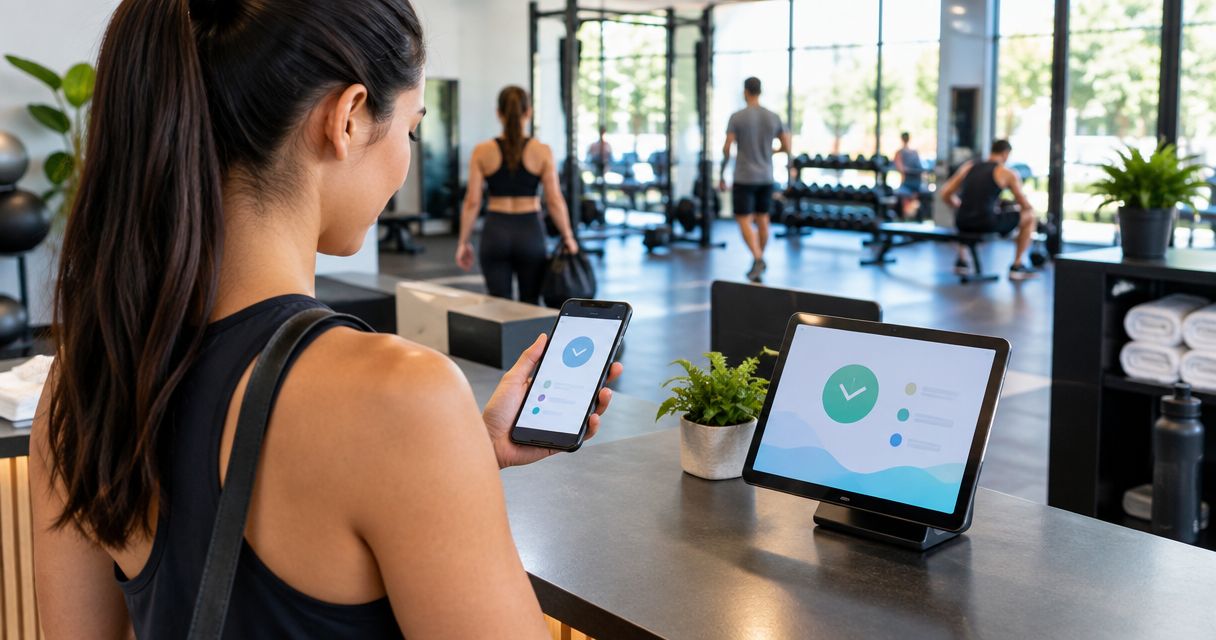
Gyms and fitness studios run on split shifts, floating trainers, and a front-desk kiosk that five different people punch on before 9am — pick the wrong time clock app and you'll spend more hours fixing timesheets than training clients. This guide ranks six time clock apps for gyms and fitness studios in 2026 against what actually matters at a gym: kiosk mode for a shared front-desk device, mobile punch for trainers who move between locations, photo verification, and overtime math that doesn't need a spreadsheet to check.
- Kloqk is the best free time clock app for gyms and fitness studios in 2026, with kiosk PIN, mobile punch, and photo verification at no cost.
- Homebase wins for gyms that want scheduling and team messaging bundled with the clock.
- Deputy is the safer pick for multi-state gym chains that need California's daily overtime rules applied automatically.
- Buddy Punch wins for gyms with trainers clocking in from multiple locations or client homes via GPS.
- QuickBooks Time fits gyms that already run payroll through QuickBooks and want native sync.
Why this matters
A gym payroll problem looks different from a retail one. Front-desk staff share a single kiosk tablet all day, personal trainers teach at two locations owned by the same company, and class instructors get paid per session on top of an hourly base. Under the Fair Labor Standards Act, nonexempt employees earn time-and-a-half after 40 hours in a workweek, no matter how many locations the hours came from. California adds its own layer: overtime kicks in after 8 hours in a single day and doubles after 12, on top of the weekly 40-hour rule.
Miss either threshold because a trainer's hours got split across two spreadsheets and you're looking at a wage claim, not just a payroll correction. A free time clock app built for shared kiosks and mobile trainers solves the mechanical problem before it becomes a legal one.
The verdict
Kloqk is the best time clock app for gyms and fitness studios in 2026 for single-location gyms and boutique studios that want kiosk PIN punch, mobile clock-in for trainers, and photo verification without paying for a plan. Homebase wins when a gym wants scheduling and staff messaging built into the same app as the clock. Deputy is the stronger pick for multi-state fitness chains that need California's daily overtime rules to apply automatically instead of getting checked by hand.
What makes the best time clock app for gyms and fitness studios
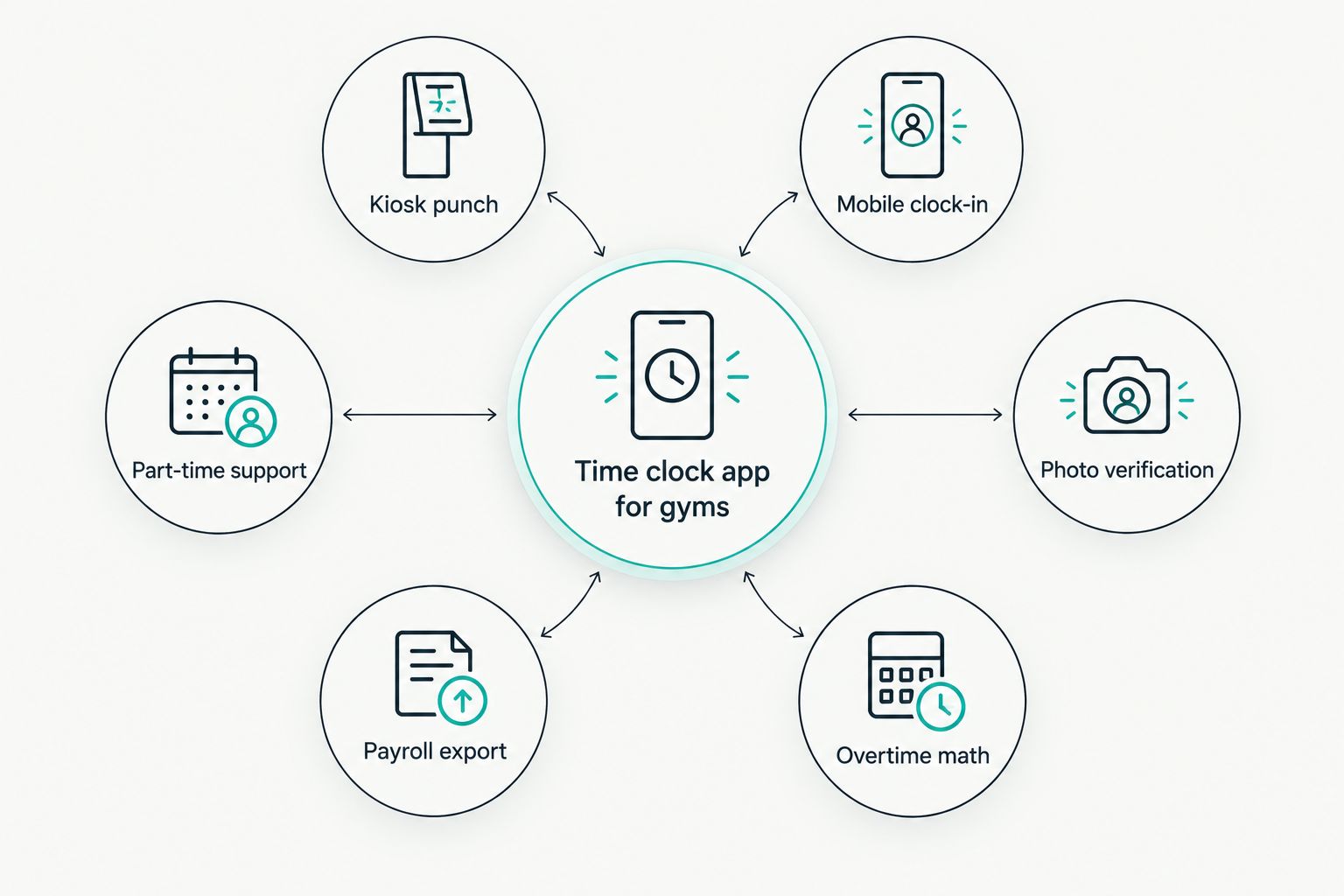
- Kiosk PIN or badge punch for a shared front-desk tablet that five staff members use in one shift
- Mobile clock-in with geofencing for trainers who teach at multiple locations or run outdoor sessions
- Photo verification on every punch to stop buddy punching at a busy front desk
- Built-in FLSA and California overtime math, calculated automatically instead of tracked and checked later
- One-click payroll export that removes manual timesheet re-entry before every pay run
- Support for part-time and seasonal staff, since fitness studios run on variable-hour trainers more than fixed schedules
At a glance
| App | Best for | Standout feature | Key limitation |
|---|---|---|---|
| Kloqk | Free time clock for single-location gyms and studios | Free kiosk PIN and mobile punch with photo verification | Fewer native payroll integrations than legacy platforms |
| Homebase | Gyms that want scheduling bundled with time tracking | Built-in shift scheduling and team messaging | Full feature set gated behind higher-tier plans |
| When I Work | Multi-location chains with shift swapping | Employee-to-employee shift swap requests | Overtime rules need manual setup per state |
| Deputy | Multi-state chains managing California overtime | Automated compliance rules by jurisdiction | Longer setup for a single small studio |
| QuickBooks Time | Gyms already running payroll on QuickBooks | Native two-way sync with QuickBooks Payroll | Limited value without a QuickBooks subscription |
| Buddy Punch | Trainers clocking in from multiple locations | GPS stamps and geofenced punch restrictions | Kiosk mode is secondary to the mobile design |
1. Kloqk: best free time clock app for single-location gyms
Kloqk is a free time clock and HR platform built for U.S. small businesses, and gyms hit the same shift patterns it was designed around: a shared front-desk device, trainers who float between class times, and payroll that has to hold up under a Department of Labor audit. Staff punch in through a kiosk PIN at the front desk or from their own phone before a session, and every punch carries a photo for verification.
Kloqk pros:
- Free kiosk PIN and mobile punch with no credit card required
- Photo verification on every punch cuts down buddy punching at the front desk
- FLSA and California overtime rules calculated automatically, including the 8-hour and 12-hour daily thresholds
- One-click payroll export removes manual timesheet entry before running pay
Kloqk cons:
- Fewer native integrations than platforms that have been on the market longer
- No built-in shift-swap marketplace for trainers trading classes with each other
Best for: single-location gyms and boutique studios that want kiosk mode, mobile punch, and overtime compliance without a plan fee. Verdict: Buy.
2. Homebase: best for gyms that want scheduling bundled with the clock
Homebase combines a time clock with shift scheduling and team messaging, which suits a gym coordinating front-desk shifts and class instructors inside one app instead of juggling a separate scheduling tool.
Homebase pros:
- Built-in scheduling alongside the time clock
- Team messaging for shift coverage requests
- Mobile app for trainers to view schedules and punch in
- Applicant tracking for hiring front-desk staff
Homebase cons:
- Full feature set is split across pricing tiers
- Overtime rules need state-by-state configuration rather than running automatically
Best for: gyms that want scheduling and staff messaging in the same app as the clock. Verdict: Buy.
3. When I Work: best for multi-location chains with shift swapping
When I Work is built around scheduling first, with an employee-facing app where trainers can request swaps and pick up open classes without going through a manager.
When I Work pros:
- Shift swap requests between staff
- Open-shift marketplace for picking up extra classes
- Mobile-first design for trainers
- Useful visibility across multiple studio locations
When I Work cons:
- Overtime compliance isn't automatic across states
- Payroll export reporting is thinner than dedicated time-and-attendance tools
Best for: multi-location fitness chains where trainers need to trade shifts on their own. Verdict: Hold — strong for scheduling, weaker for compliance.
4. Deputy: best for multi-state gym chains managing California overtime
Deputy is a time and attendance platform with a compliance rule engine that applies overtime rules based on jurisdiction, which matters for a chain running gyms in California alongside other states with different rules.
Deputy pros:
- Automated overtime rule engine by state
- Task management features on top of time tracking
- Break and fatigue compliance alerts
Deputy cons:
- Longer setup for a single small studio
- Cost and complexity scale with the number of locations
Best for: multi-state gym chains that need California overtime compliant time clock software applying rules automatically instead of by hand. Verdict: Buy for multi-state operators.
5. QuickBooks Time: best for gyms already running payroll on QuickBooks
QuickBooks Time is Intuit's time tracking product with two-way sync into QuickBooks Payroll, which fits a gym that already processes payroll there and doesn't want a separate system to reconcile.
QuickBooks Time pros:
- Native sync with QuickBooks Payroll
- GPS tracking on mobile punches
- Straightforward mobile app
QuickBooks Time cons:
- Value drops sharply without an active QuickBooks subscription
- Fewer HR-specific features like onboarding workflows
Best for: gyms already on QuickBooks Payroll that want the clock to sync directly. Verdict: Buy for QuickBooks shops, Skip otherwise.
6. Buddy Punch: best for trainers clocking in from multiple locations
Buddy Punch is a mobile-first time clock with GPS stamps and geofencing, built for staff who don't punch in from one fixed spot — a fit for personal trainers running sessions at client homes, parks, or across studio locations.
Buddy Punch pros:
- Geofenced punch restrictions by location
- GPS location stamps on every punch
- Webcam photo option for verification
Buddy Punch cons:
- Kiosk mode feels secondary to the mobile-first design
- Scheduling features are thinner than dedicated tools
Best for: gyms with trainers who work outside a single fixed location. Verdict: Buy for GPS-first needs.
How we ranked
Every app above got measured against the six criteria listed earlier: kiosk mode for a shared front desk, mobile punch with geofencing, photo verification, automated overtime math, one-click payroll export, and support for part-time and seasonal staff. Apps that automate overtime by jurisdiction ranked above apps that only track hours and leave the math to a manager. Apps built around scheduling first ranked by how well they still handle the clock-in mechanics a gym needs every day, not just shift planning.
Try Kloqk free for your gym
Kiosk PIN, mobile punch, and payroll-ready exports at no cost.
Which time clock app should you choose?
If you run one gym or studio and want kiosk mode, mobile punch, and overtime math handled without paying for a plan, start with Kloqk. If you're already deep in QuickBooks Payroll, stay in that ecosystem with QuickBooks Time. If trainers work across studio locations or client homes, Buddy Punch's GPS stamps solve a problem the others don't prioritize. Everyone else's next move comes down to how many states you operate in and whether staff need to swap shifts without calling a manager.
FAQ
What's the best time clock app for gyms in 2026?
Kloqk is the best time clock app for gyms in 2026 for single-location gyms and studios, with a free kiosk PIN, mobile punch, and photo verification. Multi-state chains that need automated California overtime rules are better served by Deputy.
Is Kloqk really free for gyms?
Yes, Kloqk's kiosk PIN punch, mobile clock-in, photo verification, and payroll export are free with no credit card required. That covers the core time clock functions a single gym or studio needs day to day.
Do gyms need GPS time tracking for trainers?
Gyms with trainers who work at multiple locations or client homes benefit from GPS stamps and geofencing, since it confirms a punch happened where the session actually took place. A single-location gym with one front desk doesn't need it as much.
How does California overtime work for gym employees?
California requires overtime pay after 8 hours in a single workday and double time after 12 hours, on top of the federal 40-hour weekly threshold under the FLSA. A time clock app that calculates both automatically avoids manual errors on split shifts.
Can a time clock app stop buddy punching at the front desk?
Photo verification on every punch is the main defense against buddy punching, since it ties each clock-in to a face rather than just a shared PIN. Kloqk and Buddy Punch both include photo capture at punch time.
What's the difference between Homebase and Deputy for gyms?
Homebase leads with scheduling and team messaging bundled into the clock, while Deputy leads with an automated compliance rule engine for multi-state overtime. Pick Homebase for scheduling-first needs and Deputy for compliance across states.
Do part-time and seasonal fitness staff need separate tracking?
Part-time and seasonal staff still count toward FLSA's 40-hour overtime threshold in the same workweek as full-time employees. A time clock app needs to track their hours the same way, without requiring a fixed schedule to function.
How much does a time clock app for gyms cost?
Costs range from free platforms like Kloqk to per-employee monthly plans on other providers, and pricing structures change, so check current plans directly on each provider's site before deciding.
One last thing
The FLSA's 40-hour overtime threshold doesn't care how many locations a trainer's hours came from. A personal trainer teaching back-to-back classes at two studios owned by the same company still crosses into overtime after 40 hours in that workweek, even if payroll tracks the two locations on separate timesheets. Any time clock app that splits hours by location without rolling them up for one employee is quietly setting up a wage claim.


