
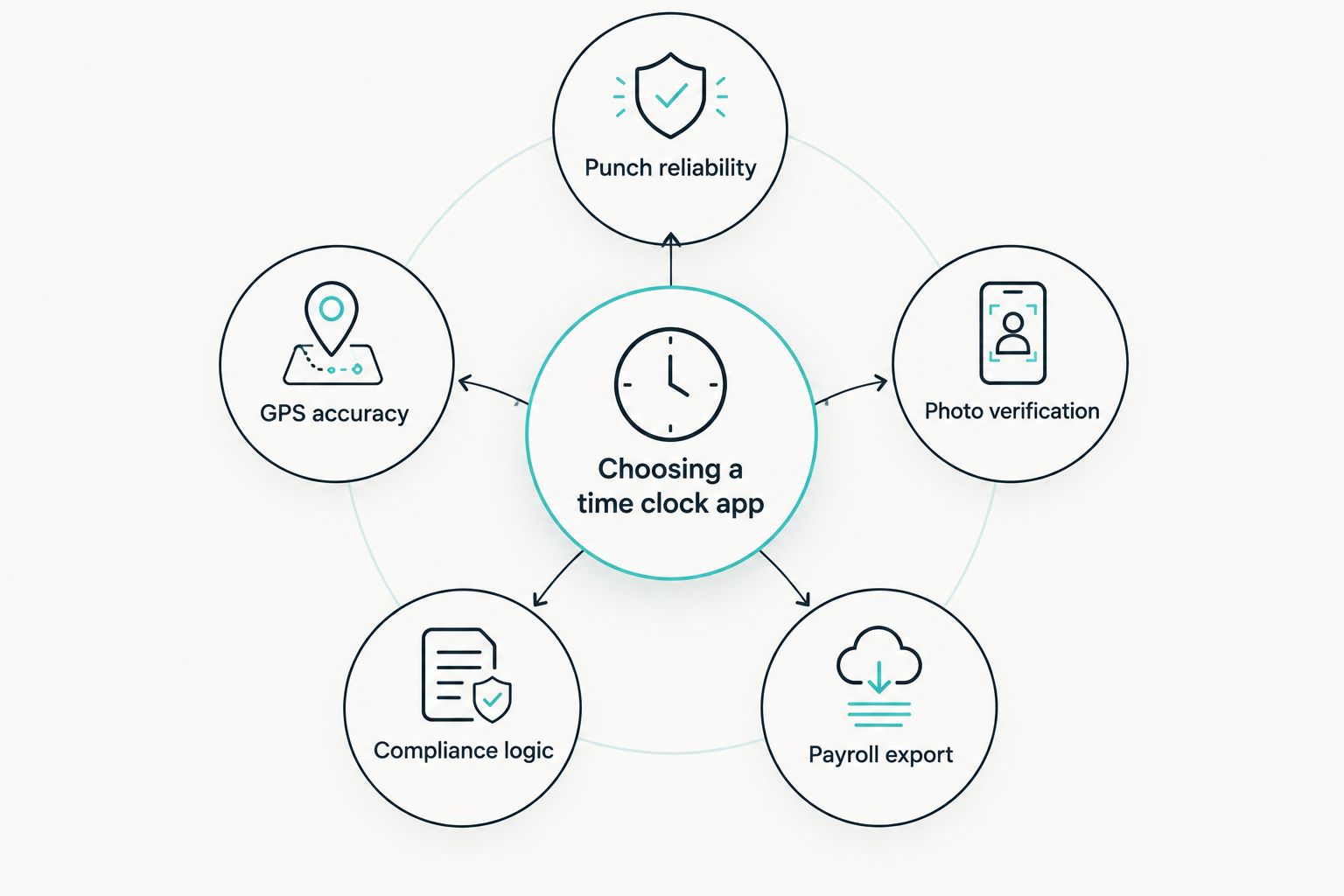
Six mobile time clock apps for small business teams get ranked below on punch reliability, GPS accuracy, photo verification, and how clean the payroll export lands. Kloqk takes the top spot for small businesses that need built-in overtime compliance, with five other tools covering scheduling, budget tracking, and QuickBooks integration.
- Kloqk wins the mobile time clock app for small business category on built-in FLSA and California overtime compliance, free.
- Clockify is the budget pick: no cap on team members clocking time.
- When I Work fits teams that live on shift swaps and open-shift coverage.
- Deputy handles multi-location shift-based teams like retail and hospitality chains.
- QuickBooks Time wins if payroll already runs through QuickBooks.
Why this matters
Manual timesheets and buddy punching cost small businesses real payroll dollars every pay period, and the exposure gets worse once overtime enters the math. Federal law triggers overtime pay past 40 hours a week. California adds a second layer: daily overtime kicks in past 8 hours worked in a single day, and double-time starts at 12 hours. An app that only totals weekly hours can look compliant on paper while quietly violating California's daily rule.
The six apps below get judged on what actually changes a Friday payroll run: whether the punch works when the wifi drops, whether GPS confirms someone was on-site, whether a photo stops a coworker from punching in for them, and whether hours export as clean decimal numbers or a PDF someone retypes by hand.
Kloqk was built around that last problem specifically — a free time clock app that hands small business owners kiosk PIN punching, mobile punch, and payroll-ready exports without a monthly bill.
What makes the best mobile time clock app for small business
An app earns a spot on this list for six reasons:
- Offline-capable mobile punch — clocks in and out without signal, syncs once the connection returns
- GPS geofencing — confirms an employee punched from the job site or store, not from home
- Photo verification at punch — stops one employee from clocking in a coworker who hasn't shown up
- Built-in overtime compliance — calculates FLSA and state-specific daily overtime automatically instead of leaving it to a spreadsheet
- Payroll-ready export — hours land in decimal format ready for payroll, not a screenshot someone retypes
- Kiosk and individual mobile modes — a shared tablet at the front counter and each employee's own phone, run through the same system
Mobile time clock apps for small business at a glance
| App | Best for | Standout feature | Key limitation |
|---|---|---|---|
| Kloqk | Built-in overtime compliance | FLSA + California overtime calculated automatically | Smaller integration list than decade-old platforms |
| Homebase | Single-location scheduling + time tracking | Scheduling and time clock in one dashboard | Deeper compliance tools often sit on higher tiers |
| Clockify | Unlimited team members on a budget | No user cap on the free plan | Overtime compliance isn't native, it's manual |
| When I Work | Shift swaps and open-shift coverage | Employee-driven shift trading | Time clock is secondary to scheduling |
| Deputy | Multi-location shift-based teams | Cross-location scheduling with labor compliance tools | Longer setup for a five-person shop |
| QuickBooks Time | QuickBooks Payroll integration | Direct sync into QuickBooks Payroll | Less useful outside the QuickBooks ecosystem |
1. Kloqk: best mobile time clock app for built-in overtime compliance
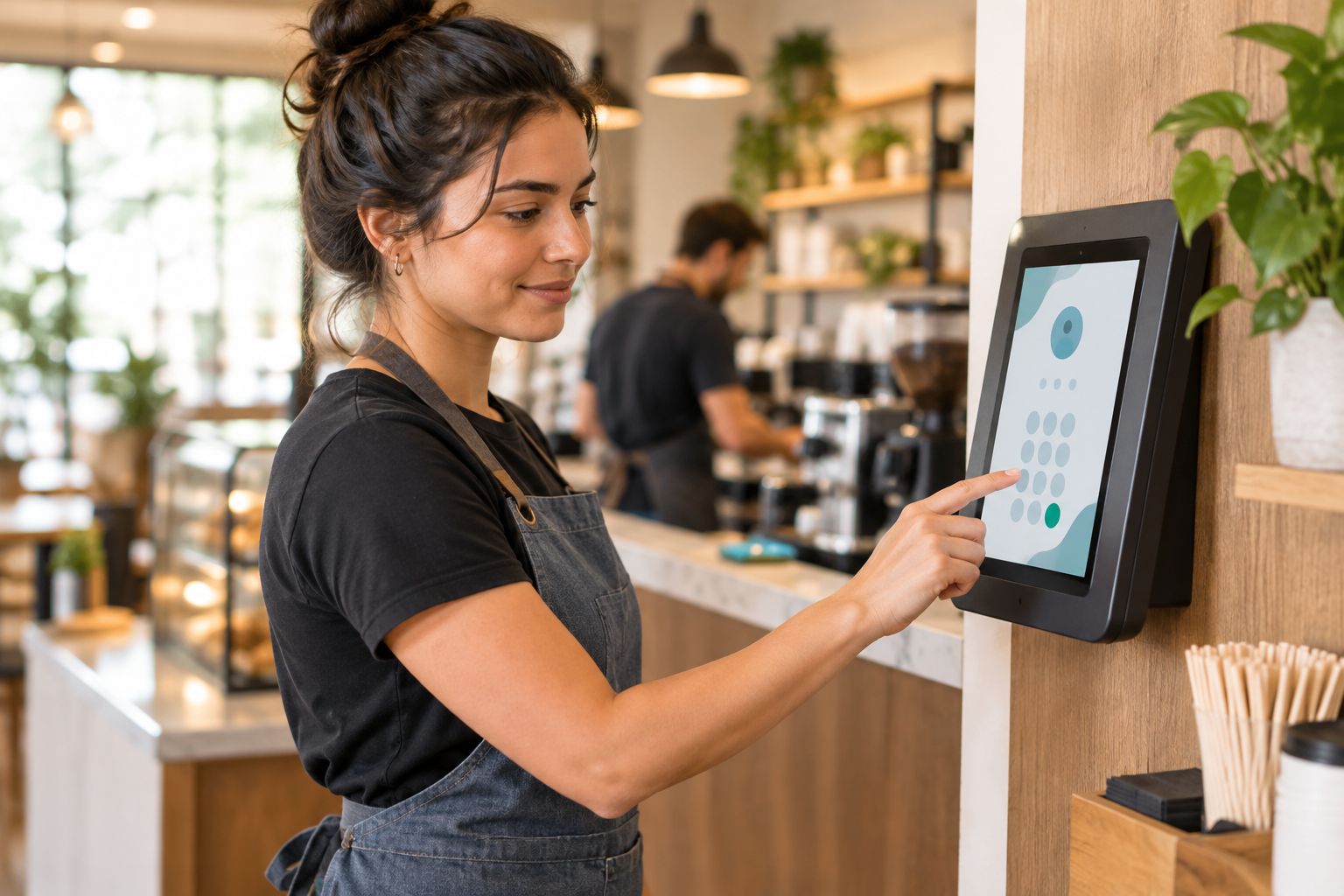
Kloqk runs kiosk PIN punching on a shared device plus individual mobile punch on each employee's phone, with photo verification at every clock-in. FLSA overtime and California's daily overtime rules calculate automatically instead of getting recalculated by hand every pay period, and hours export in one click for payroll.
Kloqk pros:
- Free time clock and HR platform, no credit card required
- Photo verification cuts buddy punching without extra hardware
- FLSA and California overtime calculated automatically, not bolted on
- One-click payroll export instead of retyping timesheets
Kloqk cons:
- Third-party integrations outside payroll exports are thinner than platforms that have been around for a decade
- No standalone shift-scheduling module for teams that need shift planning beyond time tracking
For the compliance detail specifically, see the full breakdown of California overtime-compliant time clock software.
Best for: small businesses in states with daily overtime rules that want compliance handled inside the punch clock, not a separate module. Verdict: Buy.
2. Homebase: best mobile time clock app for single-location scheduling
Homebase pairs shift scheduling with a mobile time clock so one app builds the week's schedule and tracks the punch against it. It's built around the single-location restaurant or retail shop rather than a multi-site operator.
Homebase pros:
- Scheduling and time tracking live in one dashboard
- Built-in team messaging for shift coverage
- Simple enough for a single manager to run without training
Homebase cons:
- Deeper compliance and reporting tools often sit behind higher-tier plans
- Managing more than one location adds complexity fast
Best for: single-location restaurants or retail shops that want scheduling and punching under one roof. Verdict: Buy for one location; look elsewhere past two or three.
3. Clockify: best mobile time clock app for unlimited team members on a budget
Clockify tracks time against projects and tasks with a mobile app for clock in and clock out, aimed more at agencies and contractors billing hours than hourly shift crews.
Clockify pros:
- No cap on team members on the free tier
- Project-based time tracking suits billable-hour businesses
- Straightforward interface, minimal setup
Clockify cons:
- Overtime compliance isn't calculated for you — FLSA and state rules are on you to apply
- Photo verification isn't a core feature, so buddy punching isn't addressed directly
Best for: teams tracking billable hours across projects rather than clocking hourly shift workers. Verdict: Hold unless project-based tracking is the actual need.
4. When I Work: best mobile time clock app for shift swaps
When I Work centers on shift scheduling with an integrated mobile clock-in, and employees trade or pick up open shifts from their phone without a manager rebuilding the schedule.
When I Work pros:
- Strong shift-swap and open-shift workflow
- Push notifications keep staff aware of schedule changes
- Mobile-first design suits hourly staff who rarely touch a desktop
When I Work cons:
- Time clock functionality plays second fiddle to scheduling
- Compliance calculations typically require add-ons rather than coming built in
Best for: restaurants and retail chains with high shift-swap volume. Verdict: Buy for shift-swap heavy teams, Skip if compliance is the priority.
5. Deputy: best mobile time clock app for multi-location shift-based teams
Deputy runs cross-location scheduling alongside a mobile time clock with geofencing and labor compliance dashboards, built for operators managing labor cost across more than one site.
Deputy pros:
- Built for visibility across multiple locations
- Geofencing confirms punch location per site
- Labor cost forecasting tools built in
Deputy cons:
- Setup takes longer than a five-person shop usually needs
- Feature depth can be overkill for a single location
Field crews checking punch location specifically should also look at GPS time clock apps for field employees.
Best for: multi-location retail or hospitality groups managing labor cost across sites. Verdict: Buy for multi-location operators.
6. QuickBooks Time: best mobile time clock app for QuickBooks payroll integration
QuickBooks Time offers mobile and GPS time tracking that syncs directly into QuickBooks Payroll, removing the manual re-entry step between the punch clock and the pay run.
QuickBooks Time pros:
- Direct sync into QuickBooks Payroll cuts manual re-entry
- GPS tracking suits field crews moving between job sites
- Established integration inside the QuickBooks ecosystem
QuickBooks Time cons:
- Less useful if payroll doesn't run through QuickBooks
- State-specific overtime compliance isn't the core focus
Best for: businesses already running payroll through QuickBooks Payroll. Verdict: Buy for QuickBooks shops, Skip otherwise.
How this list gets ranked
Every app above gets weighed against the same six criteria: offline punch reliability, GPS geofencing accuracy, photo verification, built-in overtime compliance, payroll-export cleanliness, and whether it covers both kiosk and individual mobile punch. Apps that treat compliance as an add-on rank behind apps that calculate it automatically, because a spreadsheet fix after the fact doesn't undo a missed California daily-overtime trigger.
“An app that only totals weekly hours can look compliant on paper while quietly violating California's daily overtime rule.”
Which mobile time clock app for small business should you choose in 2026?
If overtime compliance and cost are the two things keeping you up at night, Kloqk is the default pick for 2026 — FLSA and California overtime calculated automatically, kiosk PIN and mobile punch covered, free. If your business runs across more than one location with heavy shift-based staffing, Deputy earns its keep. If payroll already lives inside QuickBooks, QuickBooks Time saves the manual re-entry step. Everyone else billing hours by project rather than by shift should look at Clockify first.
FAQ
What's the best mobile time clock app for small business in 2026?
Kloqk is the top pick for 2026 because it calculates FLSA and California overtime automatically and includes kiosk PIN plus mobile punch at no cost. Deputy and QuickBooks Time lead in their own narrower use cases, multi-location shift work and QuickBooks payroll sync.
Is Kloqk really free?
Kloqk's core time clock and HR platform is free for U.S. small and mid-size businesses, covering kiosk PIN punch, mobile punch, photo verification, and payroll exports. Check the current plan details on the site for the exact feature list.
How does GPS time tracking work for field employees?
GPS geofencing confirms an employee punched in from the job site or store rather than tracking their location all day. It flags a punch that happens outside the approved radius so a manager can review it.
What's the difference between a time clock app and scheduling software?
A time clock app records the hours an employee actually worked; scheduling software builds the shift plan before the work happens. Some apps like Homebase and Deputy combine both in one dashboard.
Does California require special overtime rules?
Yes. California triggers daily overtime pay past 8 hours worked in a single day and double-time past 12 hours, on top of the federal 40-hour weekly threshold. A time clock app that only tracks weekly totals can miss both.
Can employees buddy punch on a mobile time clock app?
Photo verification and GPS geofencing make buddy punching harder but don't eliminate it entirely on their own. Pairing photo verification with kiosk PIN controls closes most of the remaining gap.
Do free time clock apps work for multi-location businesses?
Some do better than others. Deputy is built specifically for cross-location scheduling and labor tracking, while apps like Clockify need more manual setup to split hours and payroll across sites.
One last thing
The FLSA has no daily overtime trigger at all — it only counts hours past 40 in a week. That gap is exactly why an app that ignores state law can look fully compliant on a federal report while breaking California's 8-hour daily rule every week without anyone noticing until an audit or a claim surfaces.


