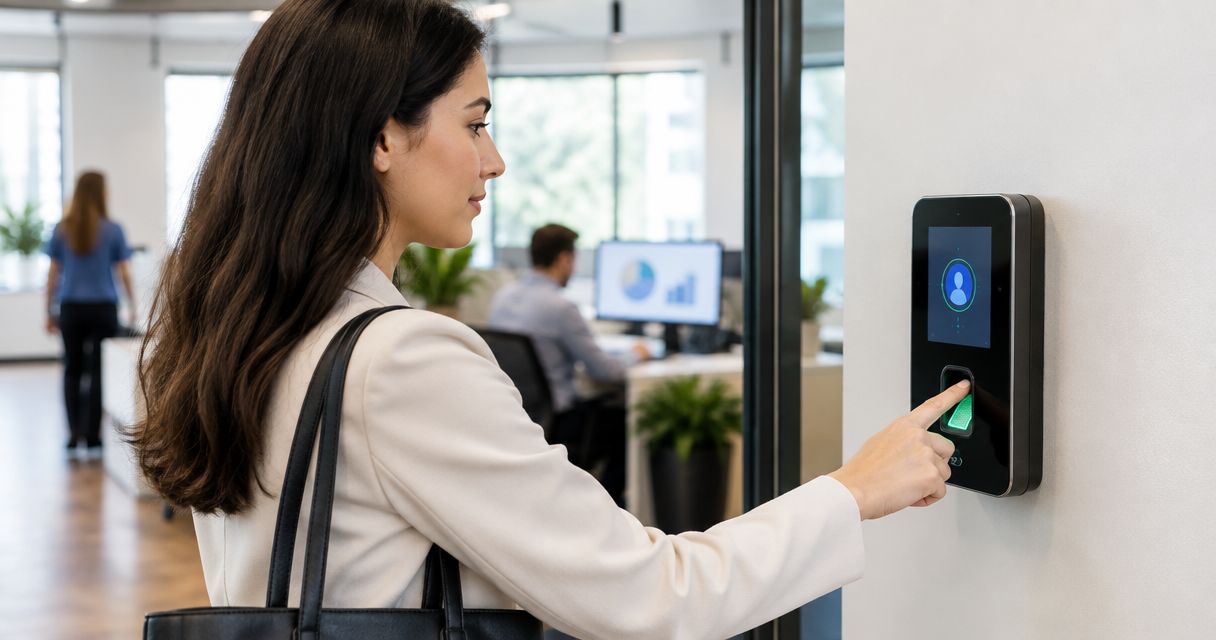
Best overall biometric time clock system for small business in 2026: uAttend, built around dedicated fingerprint and facial recognition kiosks. Best free option: Kloqk, which runs PIN entry plus photo verification instead of fingerprint hardware. Best for remote or multi-location crews: Buddy Punch, using webcam facial recognition and GPS-stamped punches.
- uAttend leads biometric time clock systems for small business in 2026 with dedicated fingerprint and facial kiosks.
- Kloqk runs a free PIN and photo verification clock, skipping fingerprint hardware and its setup costs entirely.
- Buddy Punch fits remote and multi-location crews with webcam facial recognition and GPS-stamped mobile punches.
- TimeClock Plus and Deputy add biometric options once you scale past a single location.
- FLSA and California overtime rules apply regardless of which time clock system you pick.
Why this matters
A time clock that can't confirm who actually punched in is a payroll leak. Buddy punching, where one employee clocks in for another, is the reason biometric and photo-verified systems exist in the first place.
FLSA recordkeeping rules require accurate hours, and states like California layer daily overtime on top of the federal weekly threshold. A time clock that gets identity verification wrong doesn't just cost you labor dollars, it exposes you at audit time. Kloqk's free time clock platform builds FLSA and California overtime rules into the same timesheet that captures the punch, so the compliance layer and the identity layer aren't two separate purchases.
The systems below split into two camps: dedicated biometric hardware (fingerprint or facial scanners) and software-based verification (photo capture or webcam facial match). Neither camp is automatically better for a small business in 2026 — it depends on headcount, location count, and whether your state regulates biometric data collection.
What makes the best biometric time clock system for small business
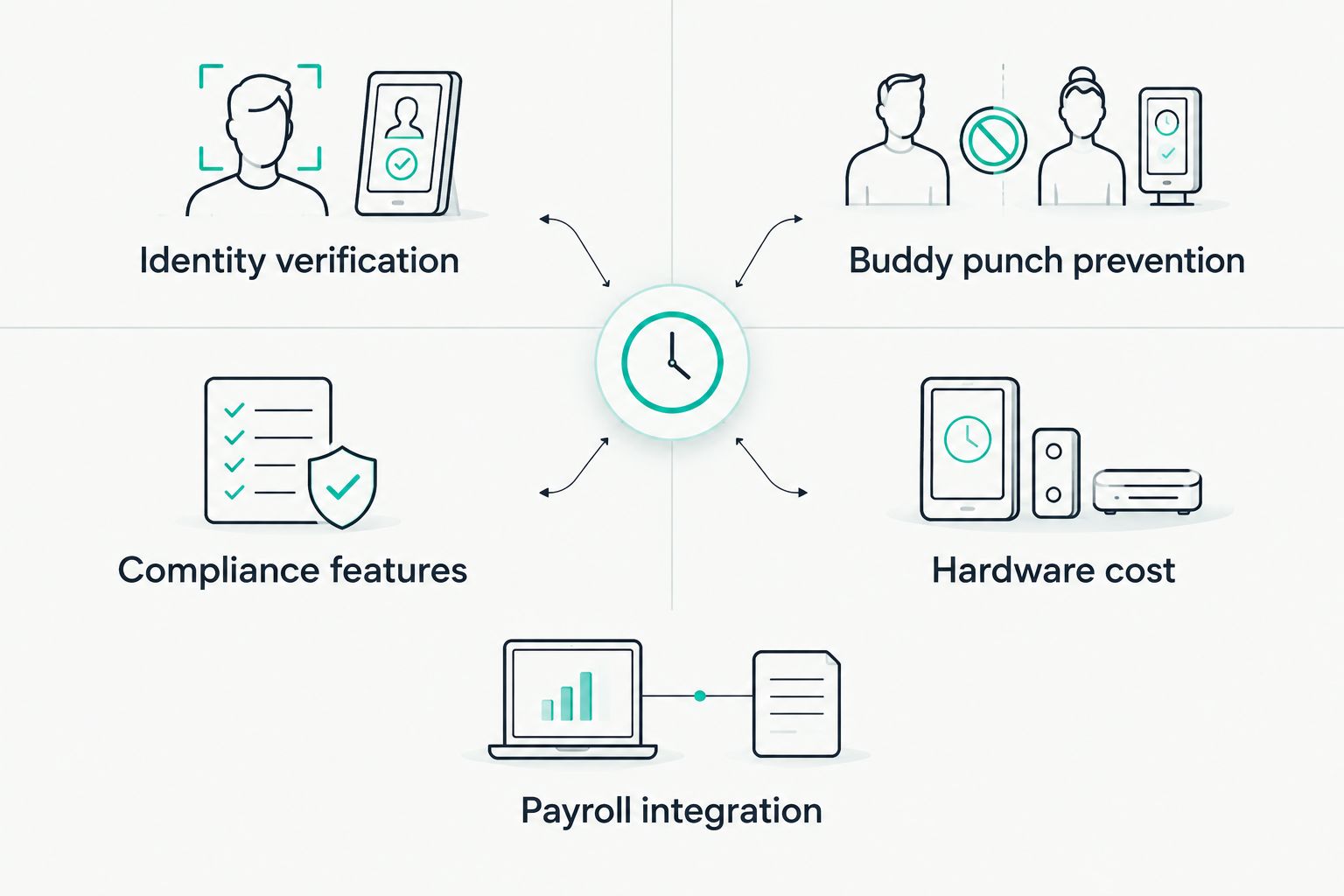
- Identity verification method — fingerprint scan, facial match, or photo capture at the point of punch
- Buddy punch prevention — can one employee clock in for another without getting caught
- FLSA and state overtime compliance — does the system calculate overtime rules automatically or just log raw hours
- Hardware cost and setup — dedicated kiosk vs. a phone or browser employees already carry
- Payroll export — one-click export vs. manual re-entry into a payroll system
- Multi-location support — does the system scale past a single storefront or job site
Biometric time clock systems for small business at a glance
| System | Best for | Standout feature | Key limitation |
|---|---|---|---|
| Kloqk | Free PIN + photo verification | Photo capture on every punch, no scanner needed | No fingerprint or facial recognition match |
| uAttend | On-site fingerprint hardware | Dedicated fingerprint and facial recognition kiosks | Physical terminal to buy, mount, and maintain |
| Buddy Punch | Remote and multi-location crews | Webcam facial recognition plus GPS stamp | Match quality depends on webcam, not a scanner |
| TimeClock Plus | Multi-site enterprises with HR staff | Long-standing biometric terminal lineup for large deployments | More setup than a single-location shop needs |
| Deputy | Scheduling plus time clock combo | Scheduling and time clock in one app | Facial recognition sits behind the higher plan tier |
1. Kloqk: best biometric time clock system for small business on a free plan
Kloqk runs punches through a kiosk PIN or a mobile app, and every punch gets a photo capture instead of a fingerprint scan or facial match. FLSA and California overtime rules run on the same timesheet, and totals export for payroll in one click.
Kloqk pros:
- No fingerprint or facial recognition hardware to buy or maintain
- Photo verification is stamped on the timesheet, which catches buddy punching without a scanner
- FLSA and California overtime rules built into the platform, free
- One-click payroll-ready export
Kloqk cons:
- No fingerprint or facial matching for businesses that specifically require scanner-level biometric hardware
- Photo review depends on a manager checking the photo, not an automatic match
See how it stacks up against other time clock apps with photo verification if photo capture is the feature you care about most.
Best for: small businesses that want biometric-style accountability without buying scanner hardware.
Verdict: Buy.
2. uAttend: best biometric time clock system for on-site fingerprint hardware
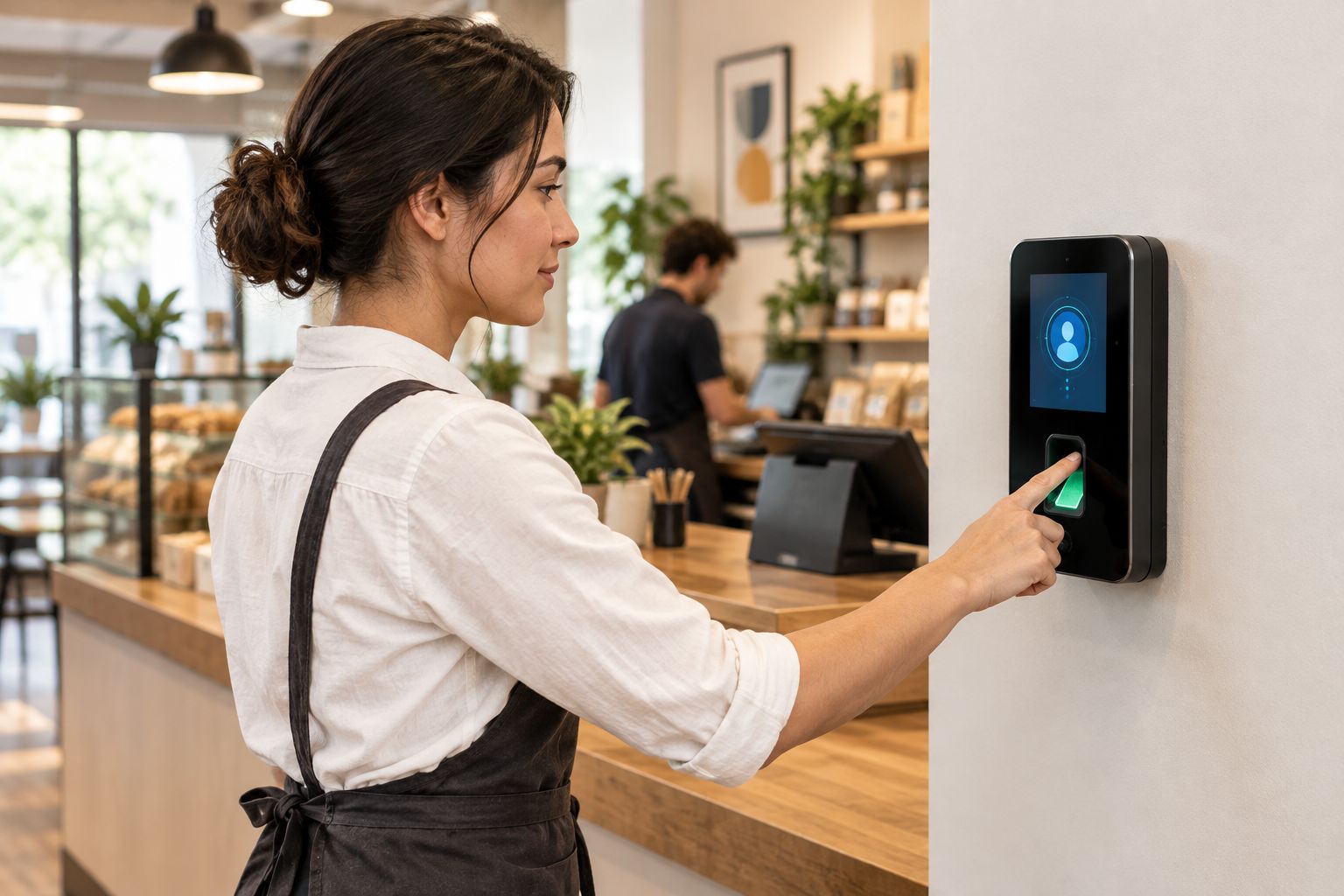
uAttend sells desktop and wall-mounted terminals with fingerprint scanning and facial recognition, paired with a cloud dashboard for hours and scheduling. It's one of the longer-standing dedicated hardware vendors in the small business time clock space.
uAttend pros:
- Dedicated hardware built specifically for biometric capture
- Fingerprint and facial recognition on the same terminal
- Established track record among small business biometric vendors
uAttend cons:
- Hardware needs mounting and network setup at each location
- A broken terminal takes the whole kiosk offline until it's replaced
Best for: single-location shops that want a dedicated fingerprint kiosk at the door.
Verdict: Buy (for hardware-first operations).
3. Buddy Punch: best biometric time clock system for remote and multi-location crews
Buddy Punch punches through a phone or browser, verifies identity with the webcam, and stamps GPS coordinates on mobile punches. There's no terminal to install at each site.
Buddy Punch pros:
- No hardware purchase required
- Verification and location travel with the employee, not a fixed kiosk
- Works for field crews and remote staff without a shared location
Buddy Punch cons:
- Facial match runs on webcam quality, not a dedicated scanner
- Requires a phone or laptop at the exact point of punch
Compare it against dedicated GPS time clock apps for field employees if location tracking matters as much as identity verification.
Best for: multi-location or field crews without a fixed clock-in point.
Verdict: Buy.
4. TimeClock Plus: best biometric time clock system for multi-site enterprises
TimeClock Plus provides biometric terminals and workforce management software built for larger, multi-site organizations, commonly seen in school districts and enterprise retail chains.
TimeClock Plus pros:
- Mature biometric terminal lineup
- Handles complex multi-location rule sets
TimeClock Plus cons:
- Implementation overhead exceeds what a single-location small business needs
- Built as an enterprise tool, not a lightweight small business one
Best for: multi-site operations with a dedicated HR or payroll administrator.
Verdict: Hold unless you're already running multiple sites with staff to manage the rollout.
5. Deputy: best biometric time clock system bundled with scheduling
Deputy combines scheduling, time clock, and task management in one app, with facial recognition offered as an add-on on higher-tier plans.
Deputy pros:
- Scheduling and time clock live in a single tool
- Facial recognition available for businesses that want it
Deputy cons:
- Biometric capability sits behind the higher plan tier, not the entry level
- Adds scheduling complexity if you only need a time clock
Best for: businesses that want scheduling and time clock unified in one app.
Verdict: Hold — confirm which tier includes facial recognition before you commit.
Try Kloqk's free time clock
PIN and photo verification, FLSA and CA overtime built in, no card required.
How we ranked these
Each system was measured against the same six criteria: identity verification method, buddy punch prevention, FLSA and state overtime handling, hardware cost, payroll export, and multi-location support. Dedicated hardware (uAttend, TimeClock Plus) scored highest on raw verification accuracy. Software-based verification (Kloqk, Buddy Punch) scored highest on cost and setup speed. Deputy split the difference by gating biometrics to a higher tier.
Which biometric time clock system should you choose?
If you don't already know which category you need, start with Kloqk's free platform — photo verification requires no hardware purchase and FLSA and California overtime rules are built in from day one. Move to a fingerprint kiosk like uAttend only if scanner-level matching is a hard requirement for your industry or your state's audit standards. If your team works across job sites or doesn't share a fixed clock-in point, Buddy Punch's webcam and GPS combination fits better than any fixed kiosk.
Skip TimeClock Plus and Deputy's biometric tier unless you're already running multiple locations with staff dedicated to managing the rollout — both are built for a scale most single-location small businesses in 2026 haven't reached yet.
FAQ
What's the best biometric time clock system for small business in 2026?
uAttend is the best overall pick for dedicated fingerprint and facial recognition hardware in 2026. Kloqk is the best free alternative, using PIN entry and photo verification instead of a scanner.
Is a biometric time clock legal for small business?
Biometric time tracking is legal in most states, but Illinois, Texas, and Washington regulate fingerprint and facial data collection under biometric privacy laws. Check your state's rules before installing a fingerprint or facial recognition kiosk.
Do I need fingerprint scanners to stop buddy punching?
No. Photo verification or GPS-tagged mobile punches catch buddy punching without collecting fingerprint data at all, which is how Kloqk and Buddy Punch handle it.
How much does a biometric time clock system cost?
Cost varies by hardware and plan tier, so check current pricing directly on each vendor's site. Kloqk's core time clock platform is free.
Does biometric time tracking help with FLSA compliance?
Biometric or photo-verified punches confirm who actually clocked in, which strengthens the recordkeeping FLSA requires, but the system still needs built-in overtime rules to calculate pay correctly.
Can a biometric time clock work across multiple locations?
Yes. Cloud-based systems like Kloqk and Buddy Punch verify identity and sync hours across locations without a shared terminal, while uAttend requires a physical kiosk at each site.
What's the difference between fingerprint and facial recognition time clocks?
Fingerprint clocks require physical contact with a scanner, while facial recognition matches a face through a camera or webcam without touching the device.
Is Kloqk's photo verification actually biometric?
No — it's a photo-based identity check reviewed against the employee record, not an automated fingerprint or facial match. It serves the same buddy-punch prevention purpose without the hardware or the biometric data storage question.
One last thing
Illinois' Biometric Information Privacy Act requires written consent before a business collects a fingerprint or facial scan, and similar laws exist in Texas and Washington. That's a real compliance step fingerprint and facial recognition kiosks carry that photo-based or PIN systems don't — it's one reason small businesses in those states default to a system like Kloqk rather than installing a fingerprint kiosk in 2026.


